Chapter 6 CONDUCTIVITY MEASUREMENT(F-54,55)
6.1 Open Measurement Screen for Conductivity
F-52, 53, 54, 55 91
Chapter 6 CONDUCTIVITY
MEASUREMENT(F-54,55)
6.1 Open Measurement Screen for Conductivity
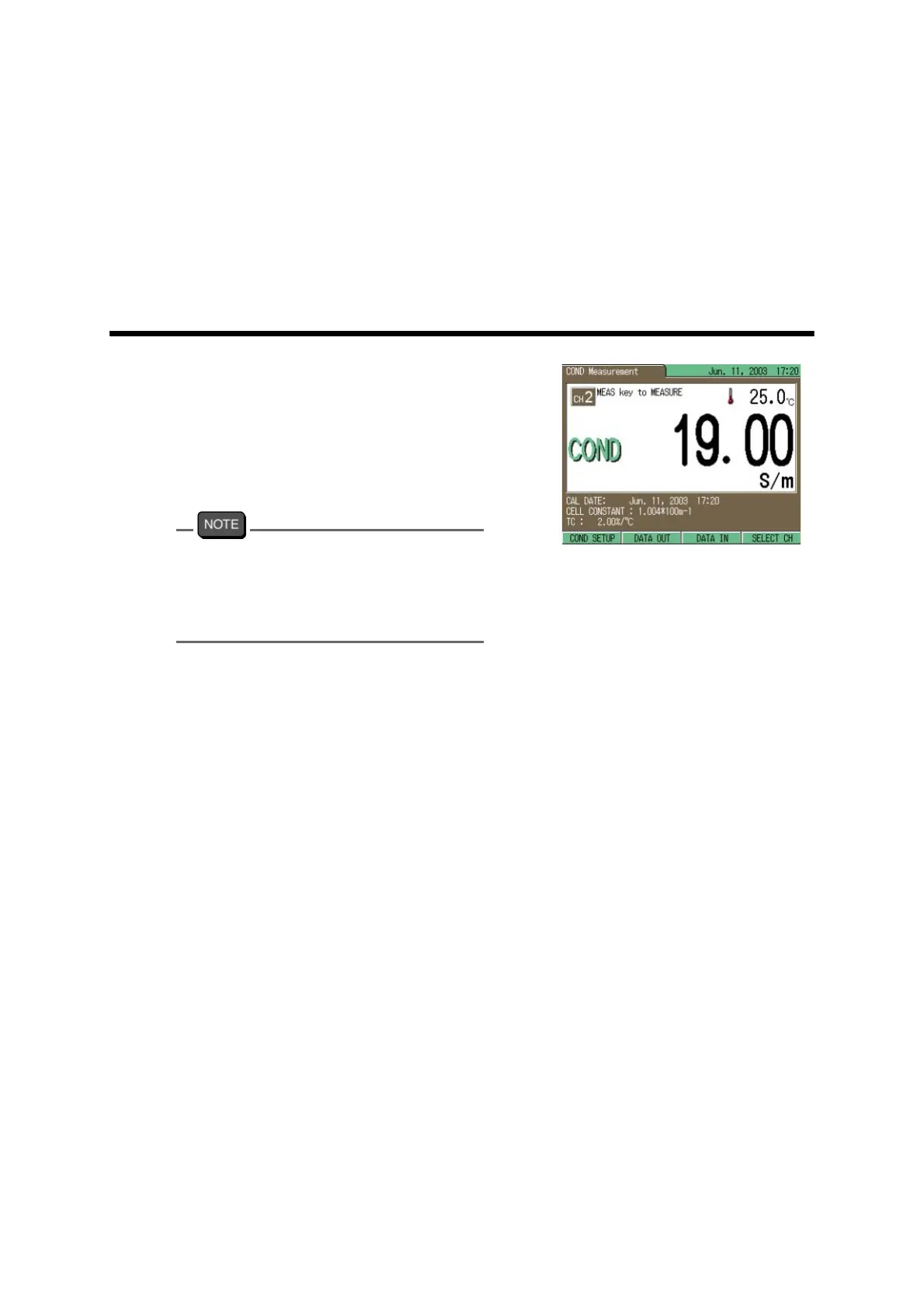
1. Press the MODE key in any Mea-
surement screen, and go to COND
Measurement screen.
The displayed screen shows the
instantaneous measured value of
conductivity.
In the Measurement screens of pH, mV, or
ION for F-54 and F-55, press F4 (SELECT
CH) to first change the screen to CH2 pH
MEASUREMENT and then proceed to the
COND Measurement screen.



 To Next Page