Chapter 11 METER SETTING
11.2 System setup
F-52, 53, 54, 55 137
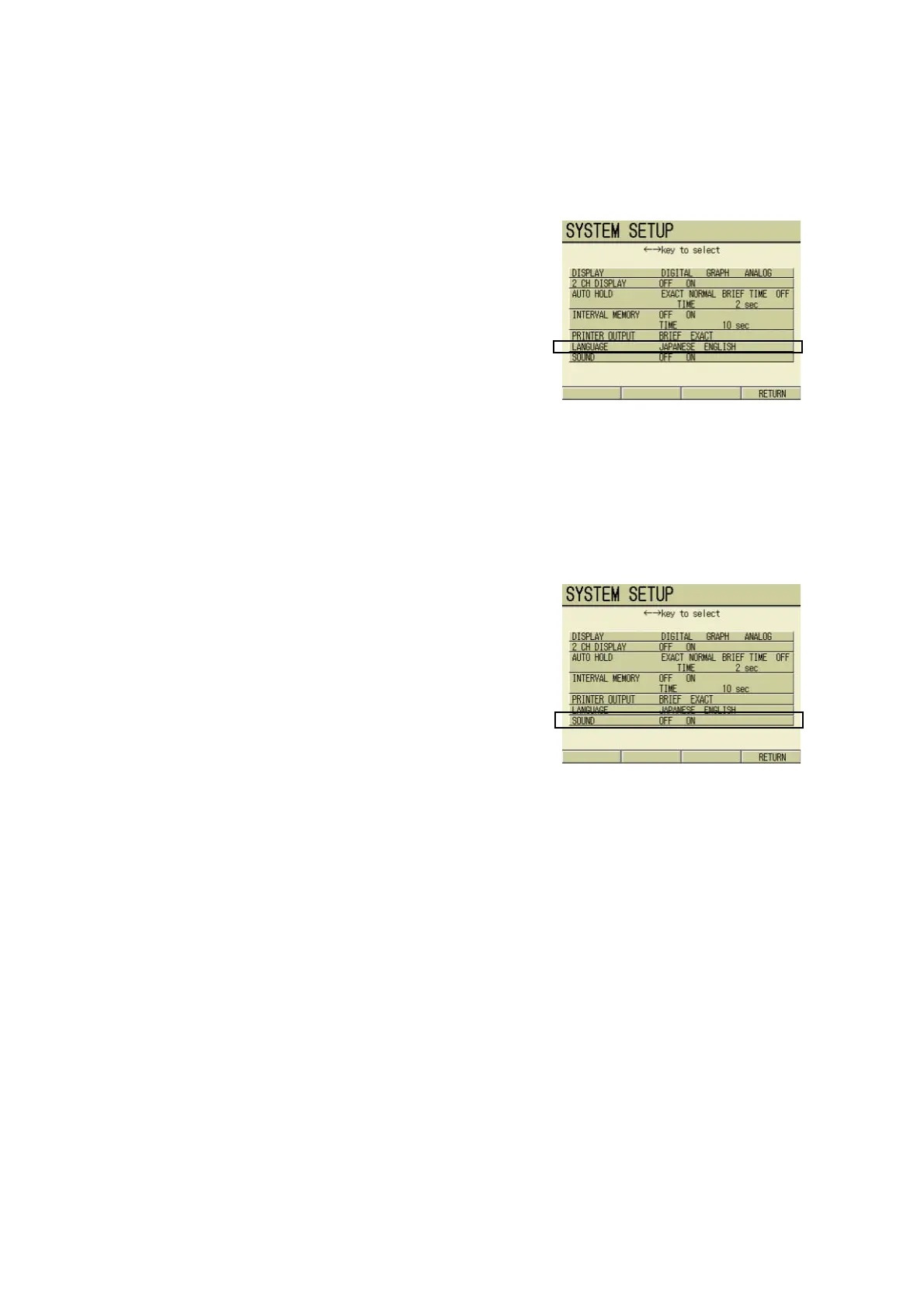
11.2.6 Language selection
The language in which the display is given
can be set.
1. In the SYSTEM SETUP screen,
press ↑ or ↓ key and select the
LANGUAGE option.
2. Press ← or → key and select
either ENGLISH or JAPANESE.
3. Press F4 (RETURN).
The setting is reflected, and the dis-
play returns to the SETUP screen.
11.2.7 Sound setting
The meter electrical sound can be set to ON
or OFF.
1. In the SYSTEM SETUP screen,
press ↑ or ↓ key and select
SOUND option.
2. Press ← or → key and select
either ON or OFF.
3. Press F4 (RETURN).
The setting is reflected, and the dis-
play returns to the SETUP screen.



 To Next Page