Chapter 6 CONDUCTIVITY MEASUREMENT(F-54,55)
6.2 Cell Constant Setting
92 HORIBA
6.2 Cell Constant Setting
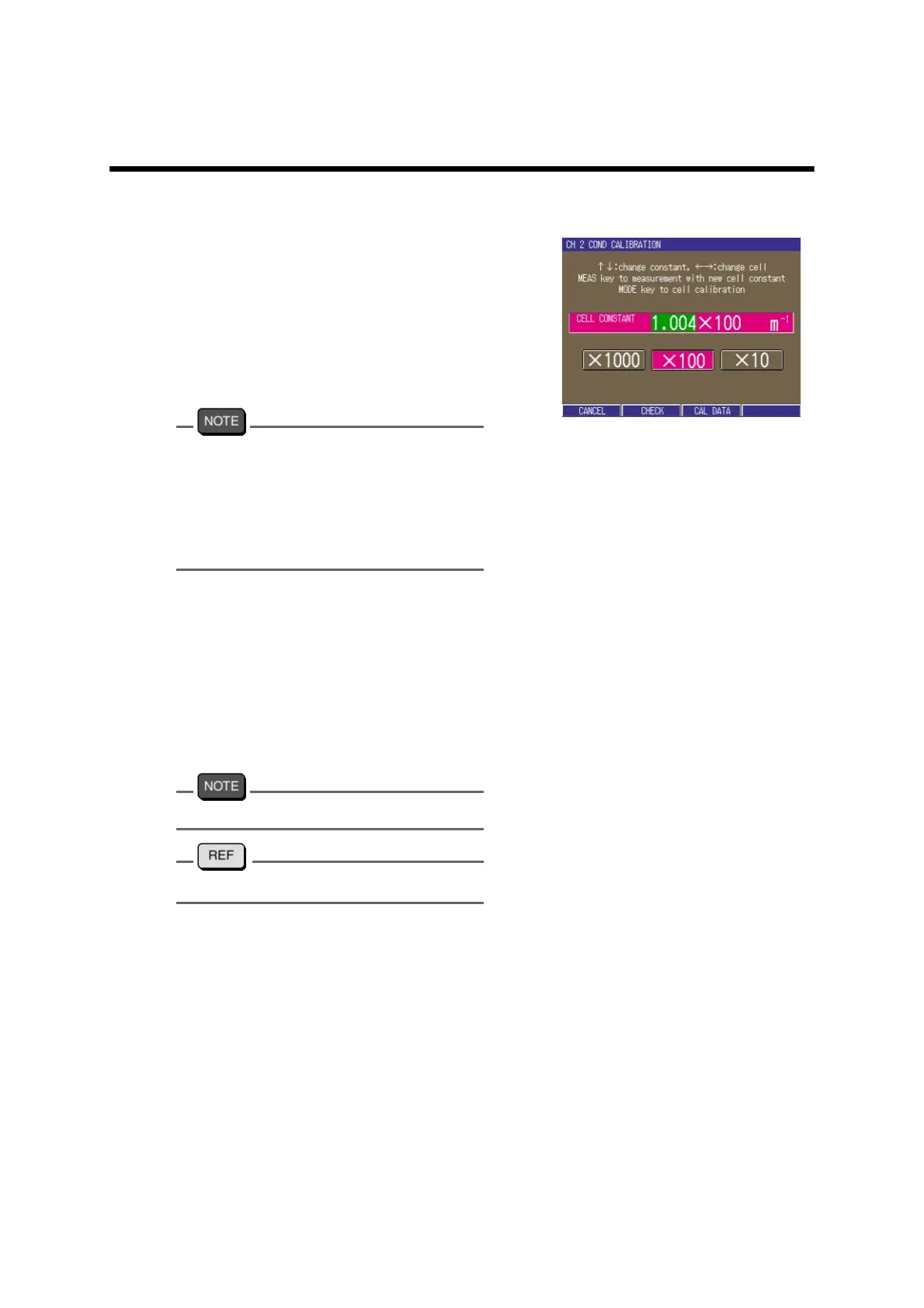
The cell constant can be input.
1. Press the CAL key in the Measure-
ment screen.
A window appears, and the COND
cell constant can be input.
2. Press ↑ or ↓ key and set the cell
constant displayed on the elec
-
trode.
The unit indication of the cell constant
depends on the electrode. Convert the unit to
the one for the meter before input.
100 m
-1
= 1 cm
-1
1000 m
-1
= 10 cm
-1
10 m
-1
= 0.1 m
-1
3. Press ← or → key and set the
digit.
4. Press the MEAS key.
The Measurement screen appears. The
display shows the instantaneous mea
-
surement value by the set cell con-
stant.
To cancel, press F1 (CANCEL).
"● Calibration of cell constant" page 241



 To Next Page