Chapter 3 pH MEASUREMENT
3.4 Calibration Setting
46 HORIBA
3.4.3 Calibration point setting
Maximum 5 points of calibration is available. By setting the calibration point beforehand, the
display automatically shows that the calibration of the set point is completed.
Setting procedure
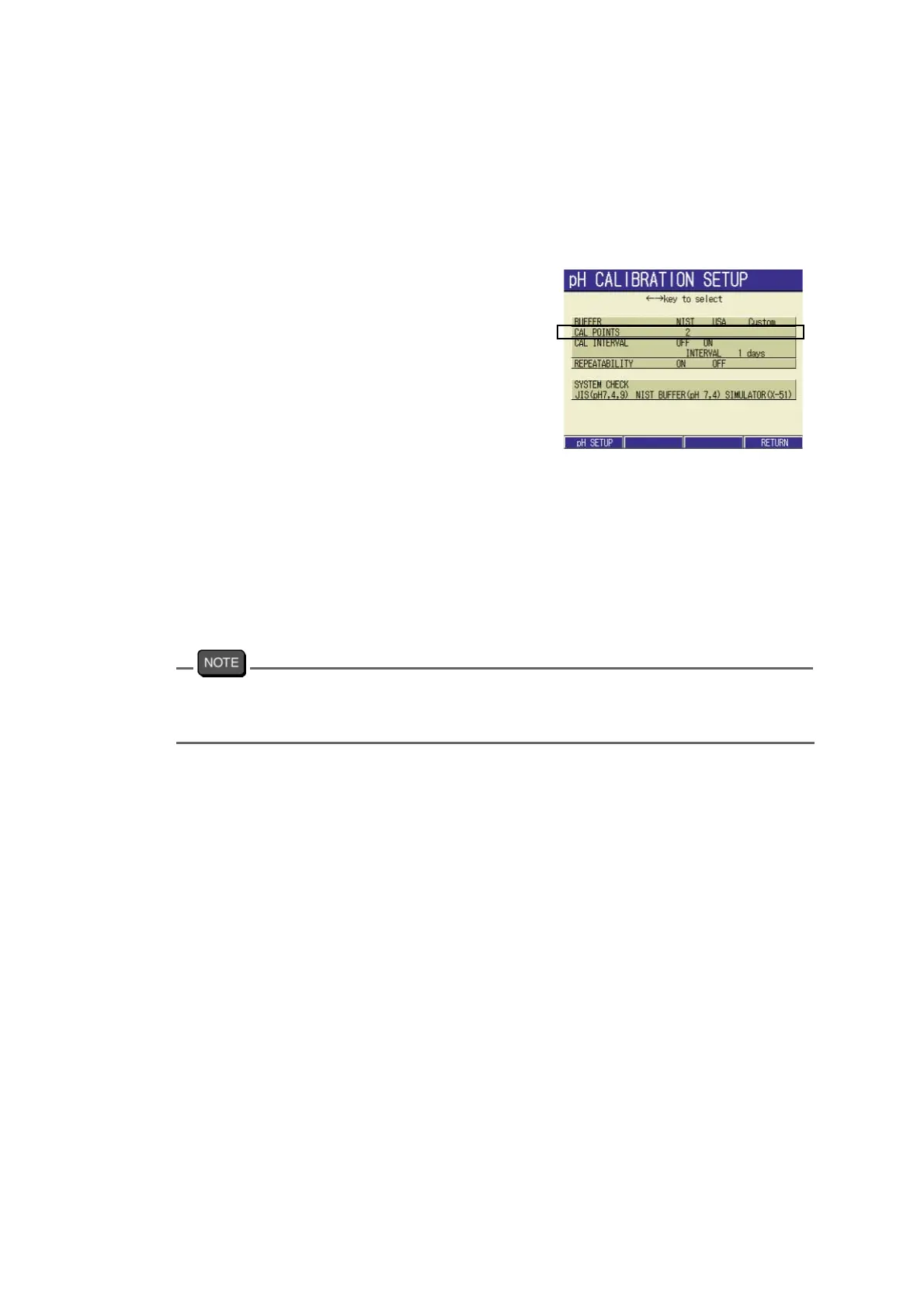
1. In the pH CALIBRATION SETUP
screen, press ↑ or ↓ key to go to
the CAL POINTS field.
2. Press ENTER key. The display
color of the set part changes. Set
the calibration point by ↑ or ↓
key.
Setting range: 1 to 5 points
3. Press the ENTER key to determine
the setting.
The display color of the set part
changes.
4. Press the F4(RETURN) reflects
the setting, and the display returns
to the CAL screen.
In performing calibration of the number of points more than set, press ESC key in the result
screen. This enables you to perform calibration of more than the set points. Note that there is
no display on the screen to show guide message.



 To Next Page