Chapter 10 SECURITY SETUP
10.2 Operation in SECURITY SETUP screen
F-52, 53, 54, 55 121
10.2 Operation in SECURITY SETUP screen
This section explains the operation procedure common to each item.
For operation of each item, refer to the specific description.
● Common operation
1. In the SETUP menu, press ↑ or
↓ key to select SECURITY
SETUP.
2. Press the ENTER key.
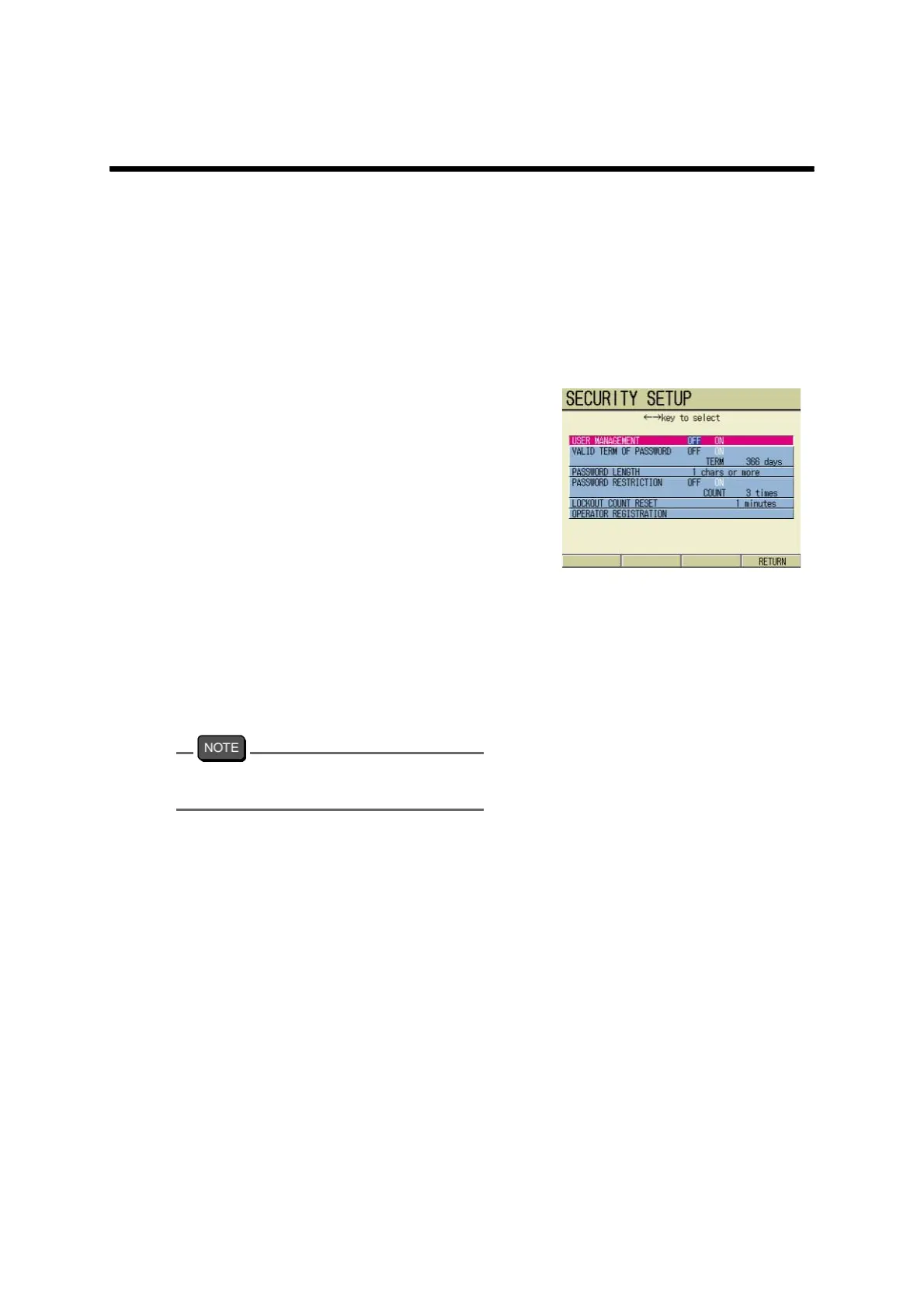
The SECURITY SETUP screen
appears.
3. Press ↑ or ↓ key to select option.
4. Set or perform each option accord-
ing to each setting/performing pro-
cedure.
5. Repeat the above step 3. to step
4., and complete necessary
options to set /perform.
6. When the setting is completed,
press F4 (RETURN).
The setting is reflected.
Pressing the ESC key returns to the SETUP
screen.



 To Next Page