Chapter 10 SECURITY SETUP
10.1 SECURITY SETUP screen
120 HORIBA
10.1 SECURITY SETUP screen
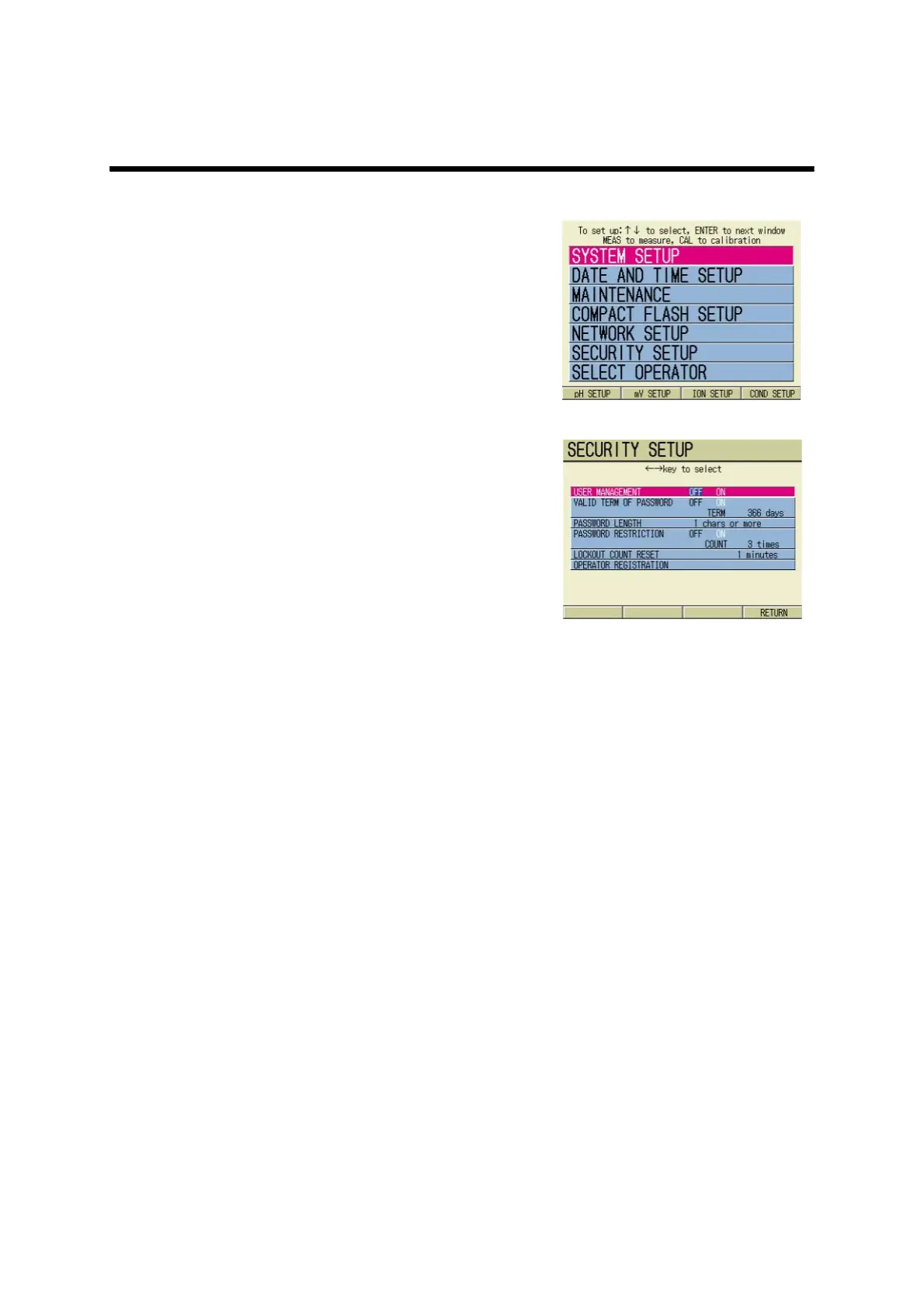
1. Press ESC key on the Measure-
ment screen.
The SETUP screen appears.
2. Press ↑ or ↓ key and select the
SECURITY SETUP option.
3. Press the ENTER key.
The SECURITY SETUP screen
appears.



 To Next Page