Chapter 11 METER SETTING
11.7 Operator Selection
150 HORIBA
11.7 Operator Selection
When the User Control is set to OFF and when no operator is selected, this function is avail-
able.
When the User Control is set to ON, the operator can be selected only at the meter startup.
1. In the SETUP screen press ↑ or
↓ key and select the SELECT
OPERATOR option.
2. Press the ENTER key.
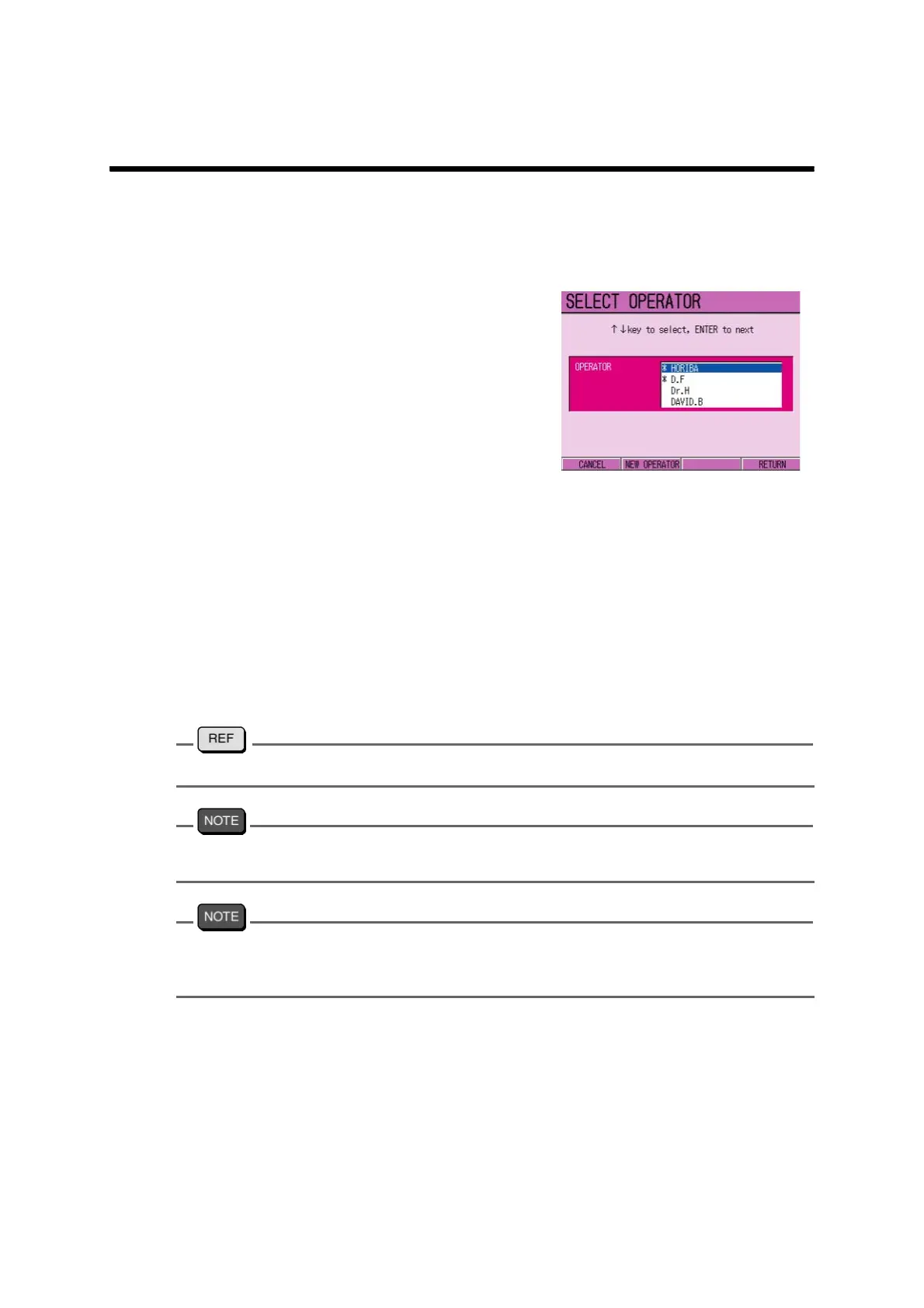
The SELECT OPERATOR screen
appears.
3. Press ↑ or ↓ key and select the
operator.
4. Press F4 (RETURN).
The password input screen appears.
5. Press ↑ , ↓ or ← , → key to
select the numerical values, and
press ENTER.
6. When the password is input, press
F4 (RETURN).
The meter starts up with the selected
Operator.
To register the new operator, refer to" ● Operator registration" page 125
When the screen enters into “sleep” status by pressing on ON/OFF key, the Operator selec-
tion condition is not selected.
When no Operator is selected, the Operator name becomes “*GUEST*.”
In using the meter with * GUEST *, the setting configurations uses the settings by the previ-
ous * GUEST *.



 To Next Page