Chapter 5 Ion Measurement (F-53,55)
5.4 Changing Measurement SETUP Conditions
82 HORIBA
● Temperature Compensation
There are two temperature compensation methods available; one is the automatic temperature
compensation (ATC) and the other the manual temperature compensation (MTC). For the
ATC, the temperature of the solution is sensed by the temperature sensor built-in the electrode
and then the temperature is compensated. For the MTC, when the temperature sensor is not
built-in the electrode, the temperature of the solution is previously measured and its value is
entered. The temperature is compensated using the entered temperature value.
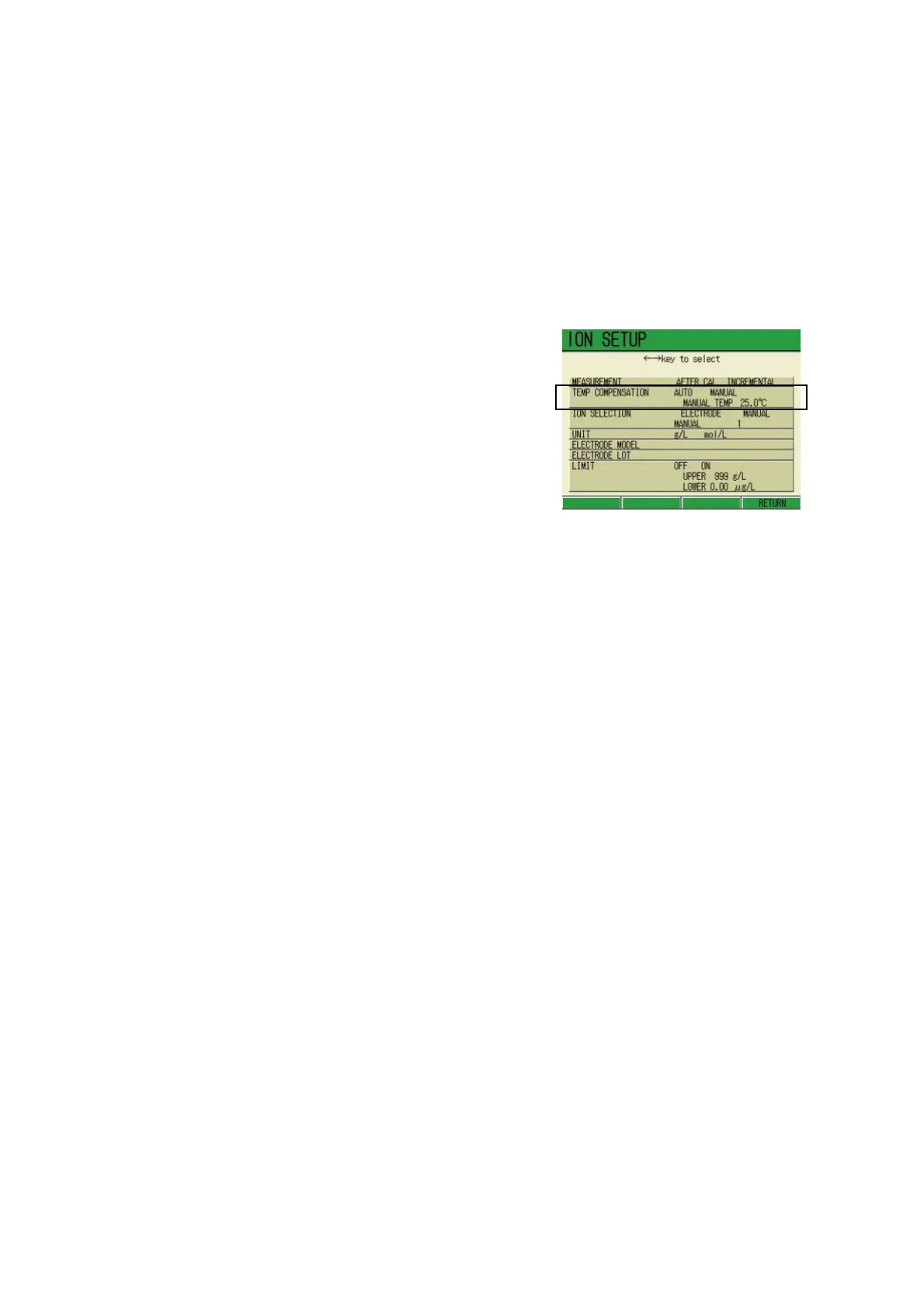
1. In the ION SETUP screen, press
↑ or ↓ key and select the TEMP
COMPENSATION option. Select
either AUTO or MANUAL by press
-
ing ← or → key.
Selecting AUTO:
1. Pressing F4 (RETURN).
The setting is reflected, and the dis-
play returns to the Measurement
screen.
Selecting MANUAL:
1. Pressing the ENTER key moves
the cursor to the TEMP COMPEN
-
SATION option.
2. Press the ENTER key again.
The display color of the setting part
changes, enabling the input.
3. Press ↑ or ↓ key and input the
temperature.
Setting range: 0.0 to 100.0 ℃
4. Press the ENTER key to determine
the setting.
The display color of the setting part
changes.
5. Press F4 (RETURN).
The setting is reflected, and the dis-
play returns to the Measurement
screen.



 To Next Page