Chapter 5 Ion Measurement (F-53,55)
5.3 Measurement Using Standard Addition Method
78 HORIBA
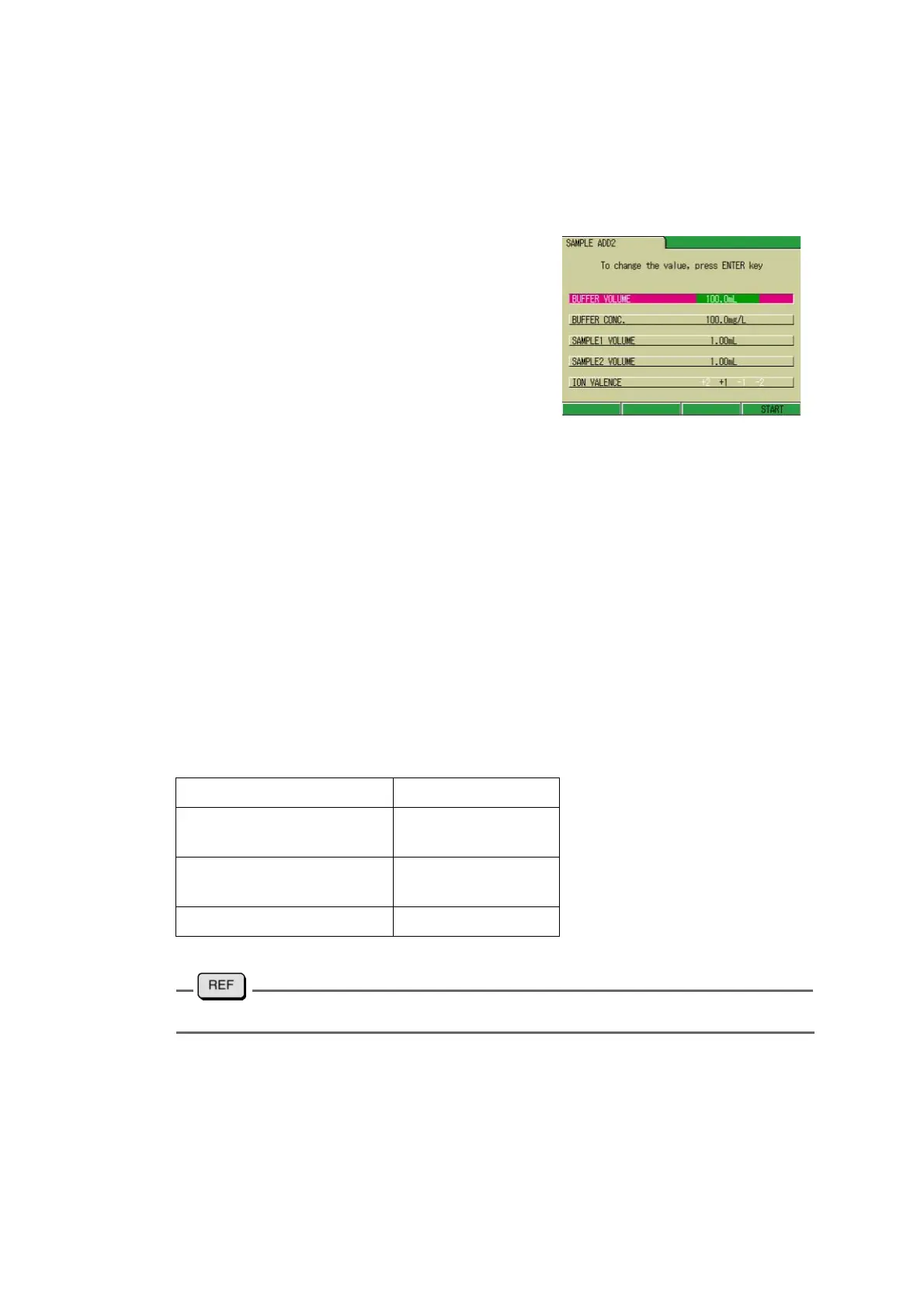
● Setting the Measurement condition
Input such parameters as sample volume,
concentration of the standard solution, Vol
-
ume 1 of the additive standard solution, Vol-
ume 2 of the additive standard solution, and
Ion valency.
1. Press ↑ or ↓ key and select the
option to be input.
2. Press the ENTER key.
The display color of the setting part
changes.
3. Press ↑ or ↓ key. After the value
is determined, press the ENTER
key.
4. Press the ENTER key.
The value is determined and the dis-
play color of the setting part changes.
5. When the setting is completed,
press F4 (START).
Ion valency
To input the ion valency, perform the step 1 above, and instead of go to the step 2., press ←
or → key to change the value.
The Ion valency depends on each ion; input the appropriate valency for the ion to be mea-
sured.
Setting range
" ● Types and Features of Applicable Electrodes" page 235
For more accurate measurement:
Normally, the added amount of the sample should be from 0.1% to 10% volume of the stan-
dard solution. It is desirable that when the standard buffer is added to the sample solution, the
concentration of the ion species under measurement increase by 1 to 10 times in the sample
solution. It is therefore necessary to consider the concentration of the standard solution and
added amount of the sample well. If the concentration of the added sample is too low, if the
volume of the added sample is too larger than that of the standard solution, then a large error
may occur in the measurement result.
Sample volume: 1.0 to 19999.0 mL
Concentration of additive
standard solution:
0.1 to 19000.0 mg/L
Volume 1, 2 of additive
standard solution:
0.01 to 1000 mL
Ion valency: +2, +1, -1, -2



 To Next Page