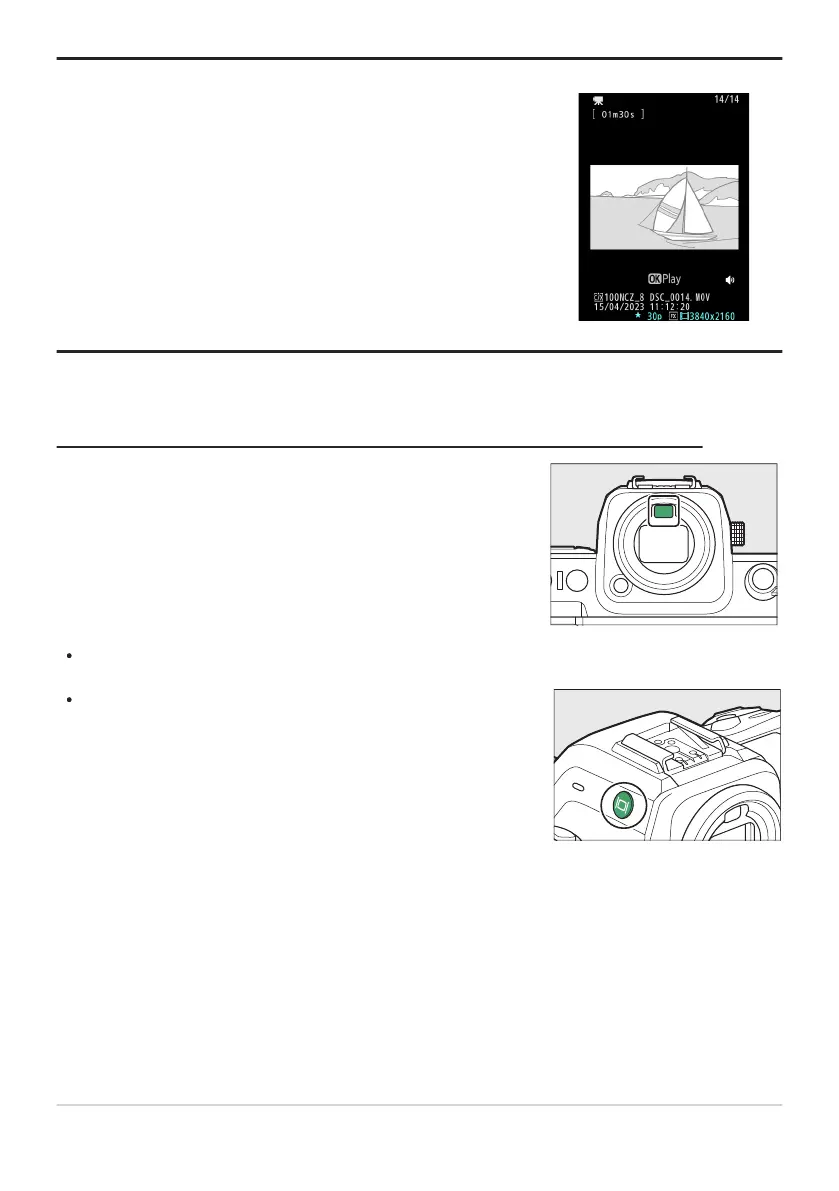
In video mode, the playback and playback i menu displays rotat
e
to match camera orientation.
Placing your eye to the viewfinder activates the eye sensor,
switching the display fr
om the monitor to the viewfinder. Note that
the eye sensor will also respond to other objects, such as your
fingers.
Press the M (monitor mode) button to cycle between viewfinder
and monitor displays.
Tip: Using the Viewfinder with the Camera in “Tall” Orientation
The Monitor Mode Button and the Eye Sensor
The viewfinder can be used for menus and playb
ack if desir
ed.
50
The Viewfinder



 To Next Page