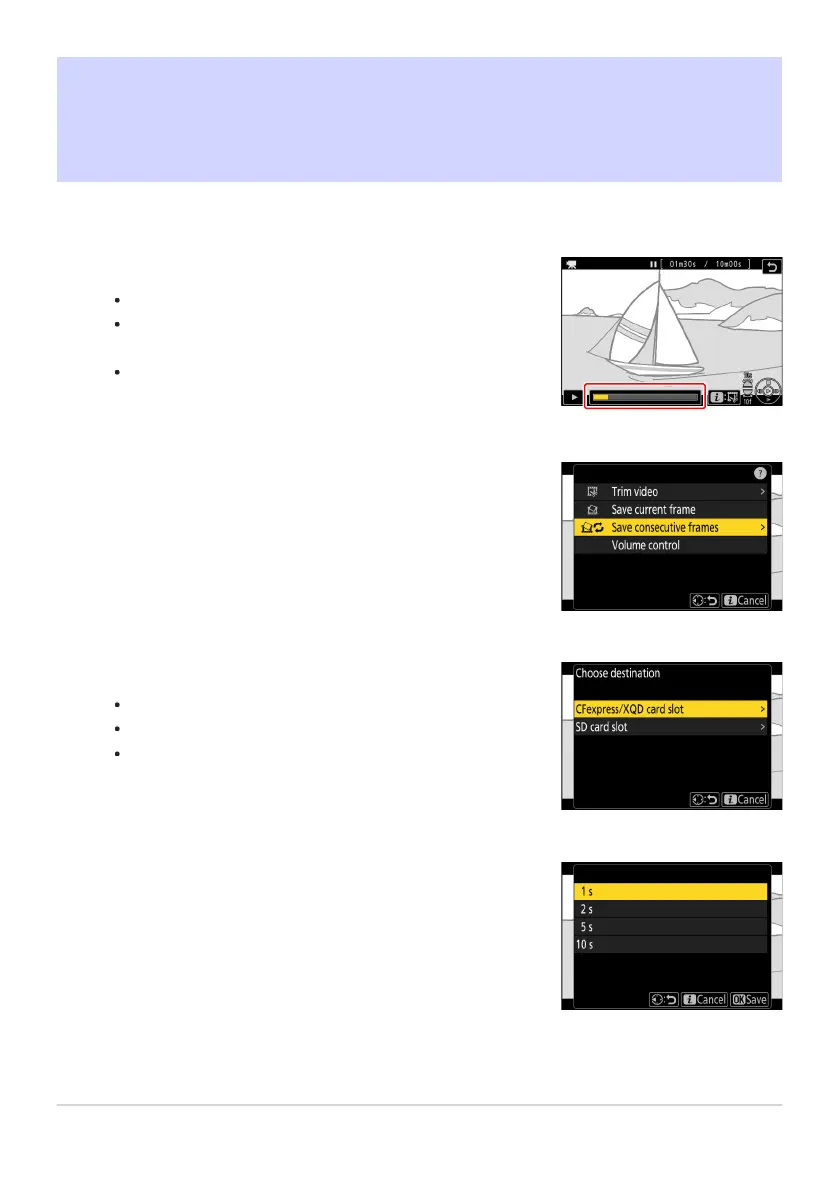
Pause the video on the desired frame.
Press
3 to pause playback.
Your approximate position in the video can be ascertained
from the video progress bar.
Press 4 or 2 or rotate the command dials to locate the
desired frame.
Press the i button, highlight [
Save consecutive frames]
and press 2.
Choose a destination.
Choose the destination.
Press
1 or 3 to highlight a card slot and press J.
You will not be prompted to select the slot if only one
memory card is inserted.
Choose the length of footage.
Choose the length of footage that will be sav
ed as stills.
Creating Stills from a Selected Length of
Footage
The frames in a select
ed length o
f footage can be saved as a series of individual JPEG images.
284
Creating Stills from a Selected Length of Footage
1
2
3
4



 To Next Page