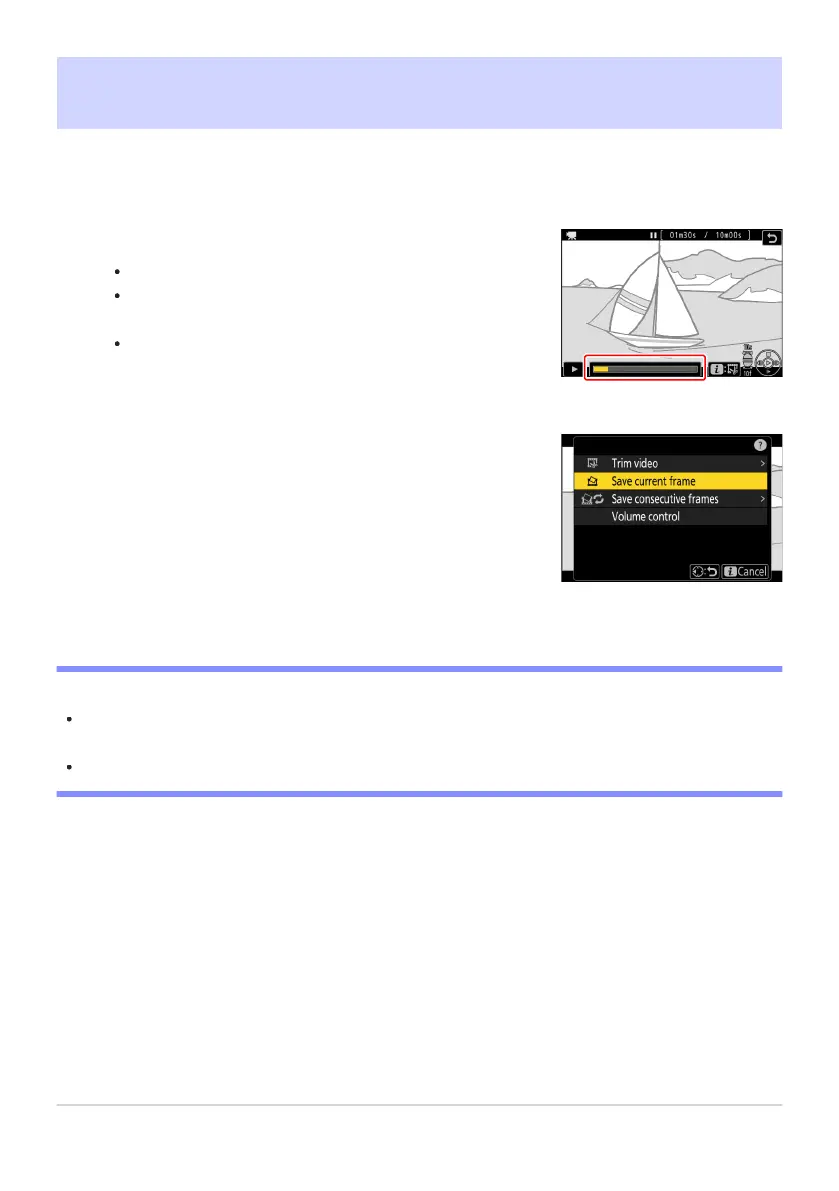
Pause the video on the desired frame.
Press
3 to pause playback.
Your approximate position in the video can be ascertained
from the video progress bar.
Press 4 or 2 or rotate the command dials to locate the
desired frame.
Press the i button and highlight [
Save current frame].
Press J to create a JPEG copy of the current frame.
Saving the Current Frame as a JPEG Still
Stills can be cr
eated from individual frames of existing videos. You can create a single still from the
current frame or a series of stills from a selected length of footage.
D “Save Current Frame”
Stills are saved at the dimensions selected for [Frame size/frame rate] in the video recording menu
when the video was recorded.
They cannot be retouched.
283
Saving the Current Frame as a JPEG Still
1
2



 To Next Page