Time Zone and Date
G buttonU
Bsetup menu
Change time zones and set the camera clock. We recommend that the camera clock be adjusted
regularly.
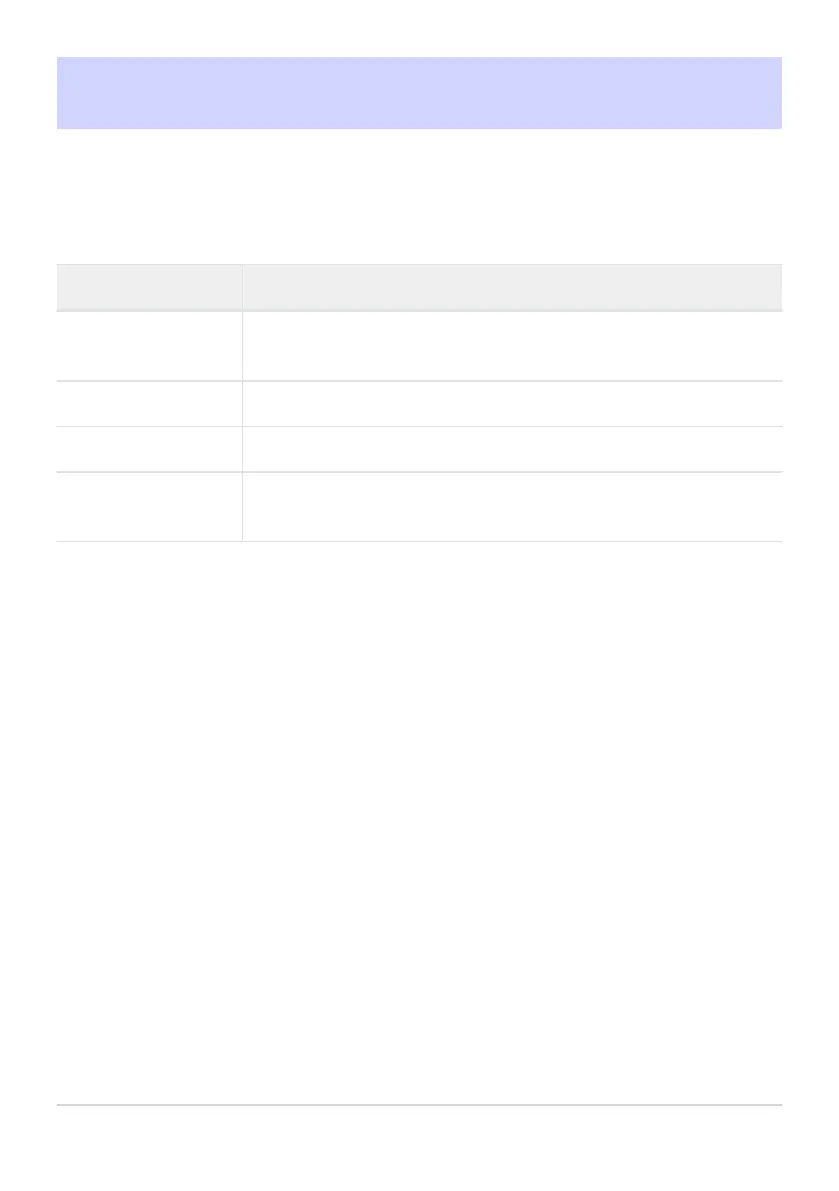
Option Description
[Time zone]
Choose a time zone. The time selected for [Date and time] is
aut
omatically adjusted for the new time zone.
[Date and time] Set the camera clock to the current time in the selected [Time zone].
[Date format] Choose the order in which the day, month, and year are displayed.
[Daylight saving time]
Turn daylight saving time [ON] or [OFF]. Selecting [ON] automatically
advances the clock one hour. The default setting is [OFF].
A flashing t icon in the shooting display indicates that the clock has not been set.
713
Time Zone and Dat
e



 To Next Page