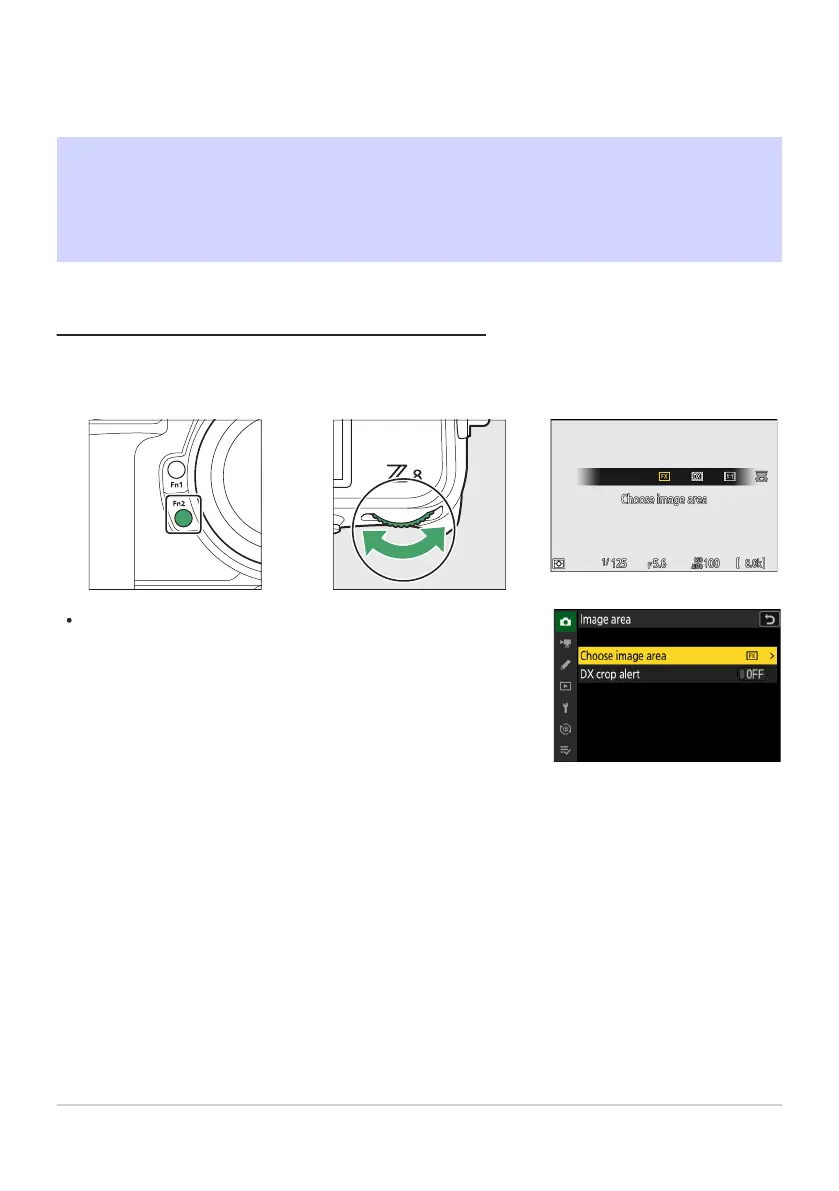
Image area settings can be displayed by selecting [Image ar
ea
] in
the photo shooting menu.
Shooting Settings
Image Recor
ding Options (Image Area,
Quality, and Size)
Adjusting Image Area Settings
At default settings, image ar
ea can be selected by holding the Fn2 button and rotating a command
dial.
99
Image Recording Options (Image Area, Quality,
and Size)



 To Next Page