g1: Customize i Menu
G buttonUACustom Settings menu
Choose the items listed in the i menu displayed when the i button is pressed in video mode.
Highlight a position in the i menu, press J, and select the desired item.
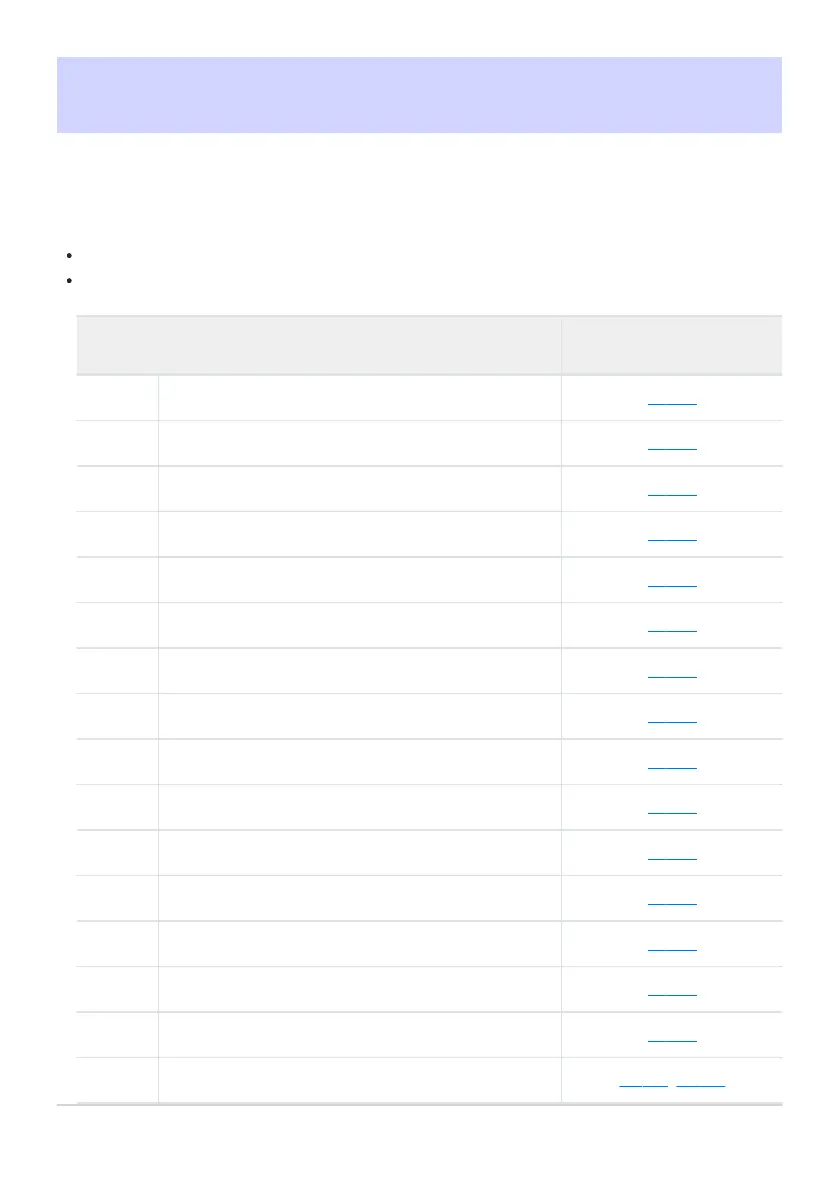
The following items can be assigned to the i menu.
Option
0
n
[Shooting menu bank] 0 421
j
[Select custom settings b
ank]
0 558
G
[Frame size/frame rate] 0 193
J
[Choose image area] 0 200
N
[Destination] 0 515
E
[Exposure compensation] 0 131
9
[ISO sensitivity settings] 0 139
m
[White balance] 0 143
h
[Set Picture Control] 0 175
6
[HLG quality] 0 525
y
[Active D-Lighting] 0 447
h
[Skin softening] 0 531
i
[Portrait impression balance] 0 455
w
[Metering] 0 535
s
[Focus mode] 0 105
7
[AF-area mode/subj. detection] 0 107, 0 111
657
g1: Customize i Menu



 To Next Page