Choosing a Color Temperature
Choose a color temperatur
e by entering values for the A (amber)–B (blue) and G (green)–M (magenta)
axes.
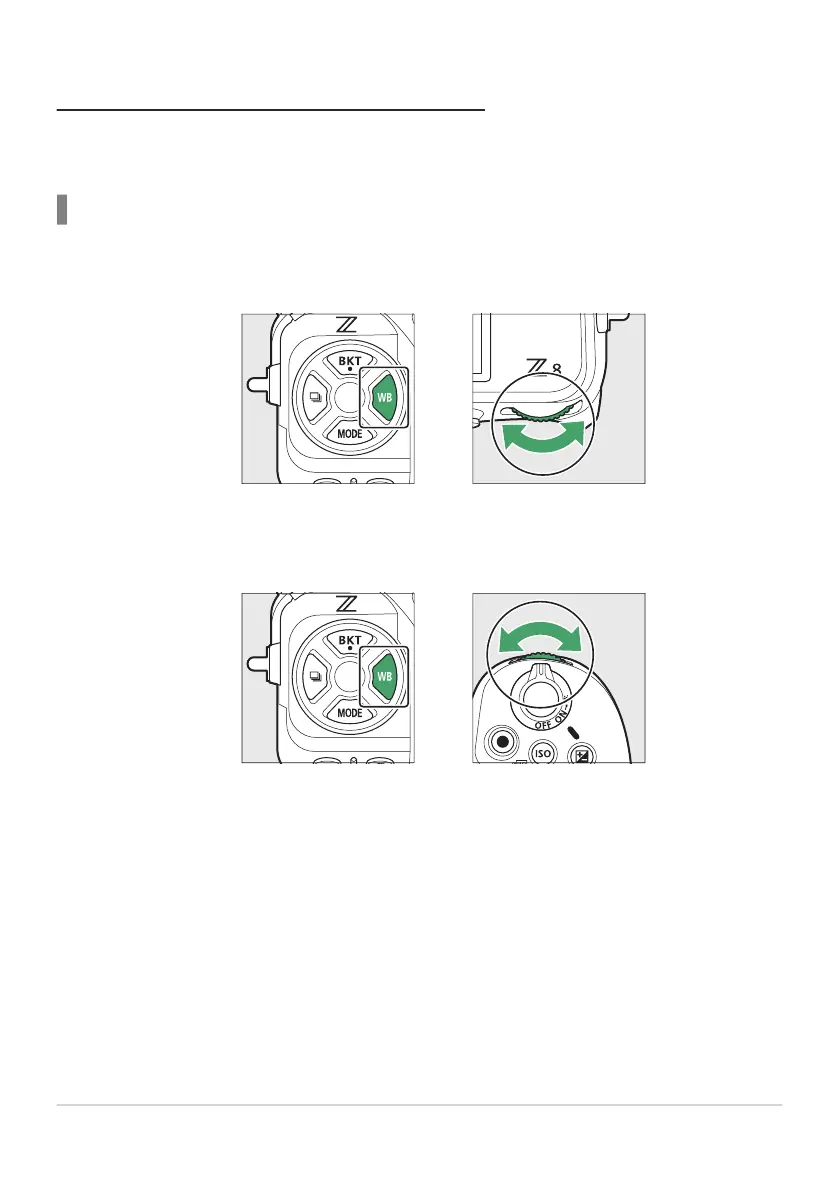
Using Buttons
Hold the U button and rotate the main command dial to select K[Choose color
temperature].
Keeping the U button pressed, rotate the sub-command dial to choose a color
temperature.
Color temperature will change in increments of 1 mired.
152
White Balance
1
2



 To Next Page