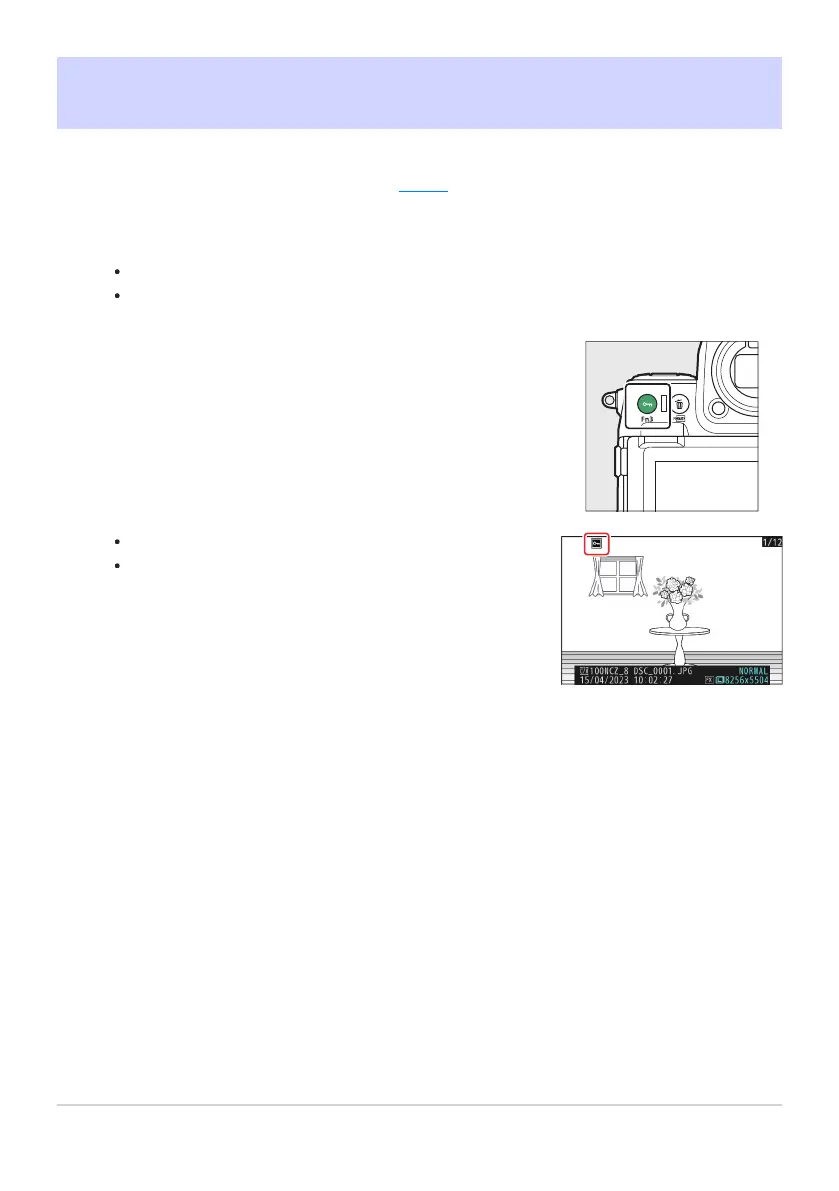
Press the g (Fn3) button.
Protected pictures are marked with a P icon.
To r
emove protection, display the picture or highlight it in
the thumbnail list and press g (Fn3) again.
Protecting Pictures from Deletion
Pictures can be pr
otected to prevent their being deleted accidentally. Protected pictures will however
be deleted when the memory card is formatted (
0 710).
Select a picture.
Display the pictur
e in full-frame playback or playback zoom.
Alternatively, you can highlight the picture in the thumbnail list using the multi selector.
235
Protecting Pictures from Deletion
1
2



 To Next Page