Enable the RGB histogram.
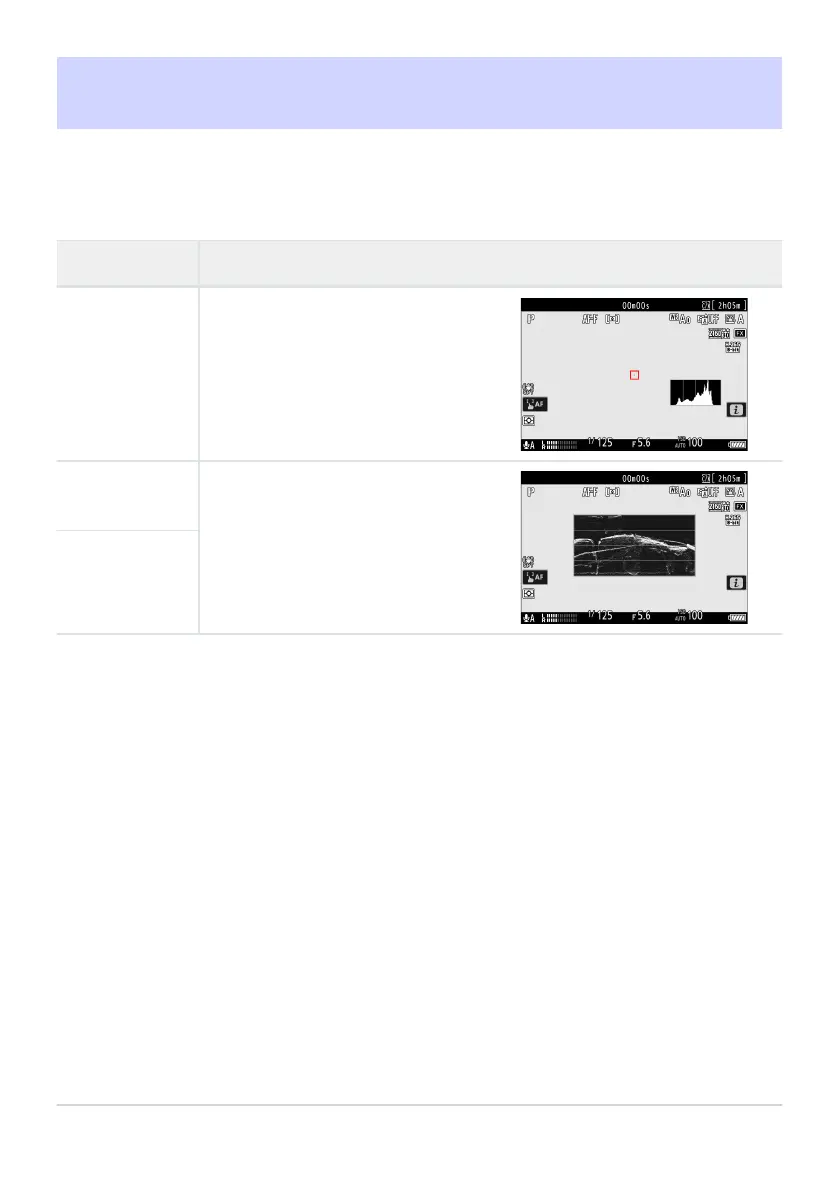
The camera displays a wave-form
monitor
. The monitor can be displayed
at either of two different sizes.
g15: Brightness Information Display
G buttonU
ACustom Settings menu
Choose how the camera displays brightness information in video mode.
Option Description
[Histogram]
[Wave-form
monit
or]
[Wave-form
monit
or (large)]
683
g15: Brightness Information Display



 To Next Page