HDR Overlay
G buttonU
Cphoto shooting menu
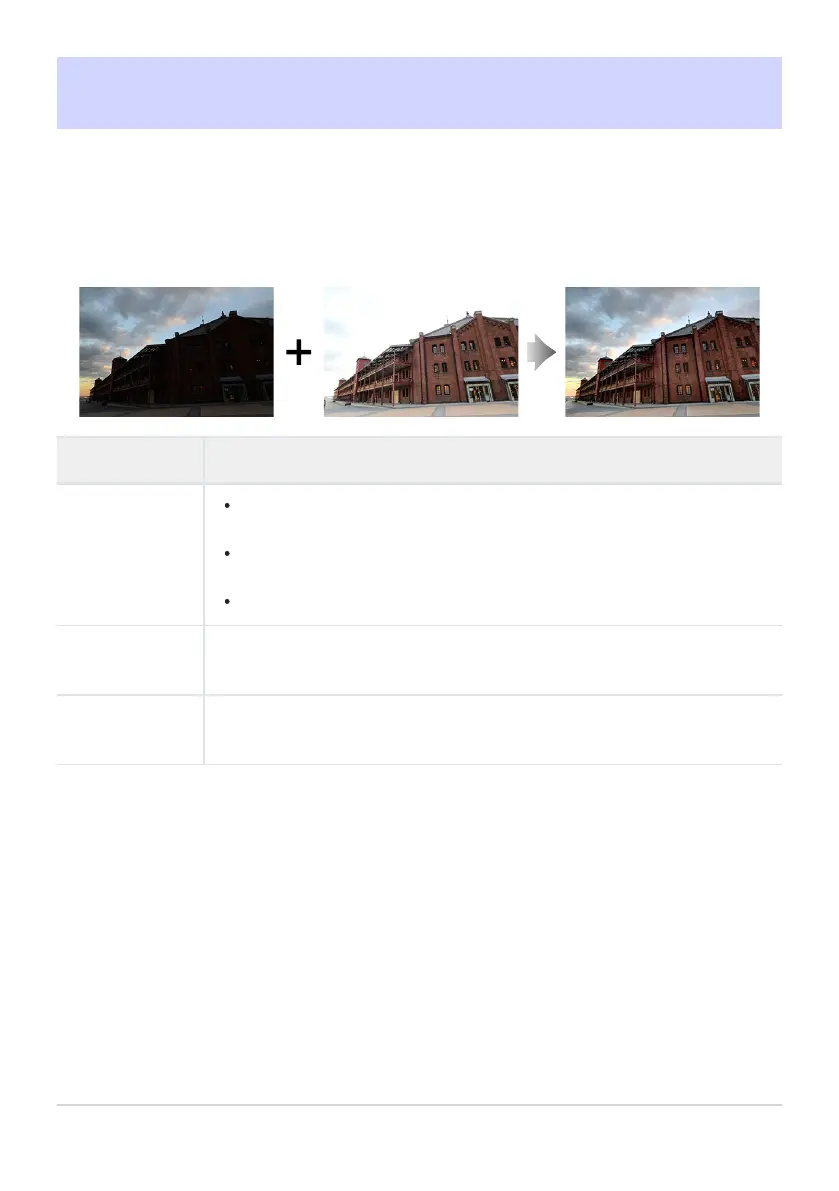
Used with high contrast subjects, High Dynamic Range (HDR) preserves details in highlights and
shadows by combining two shots taken at different exposures. Use with high-contrast scenes and
other subjects to preserve a wide range of details, from highlights to shadows.
Option Description
[HDR mode]
[On (series)]: T
ake a series of HDR photographs. To end HDR photography,
select [HDR mode] again and choose [Off].
[On (single photo)]: End HDR photography after recording a single HDR
photograph.
[Off]: End HDR photography.
[HDR strength]
Adjust HDR strength. If [Auto] is selected, the camera will automatically adjust
HDR strength to suit the scene.
[Save individual
pictures (RAW)]
Choose [ON] to save each of the individual shots used to create the HDR
picture; the shots are saved in NEF (RAW) format.
479
HDR Overlay



 To Next Page