f1: Customize i Menu
G buttonUACustom Settings menu
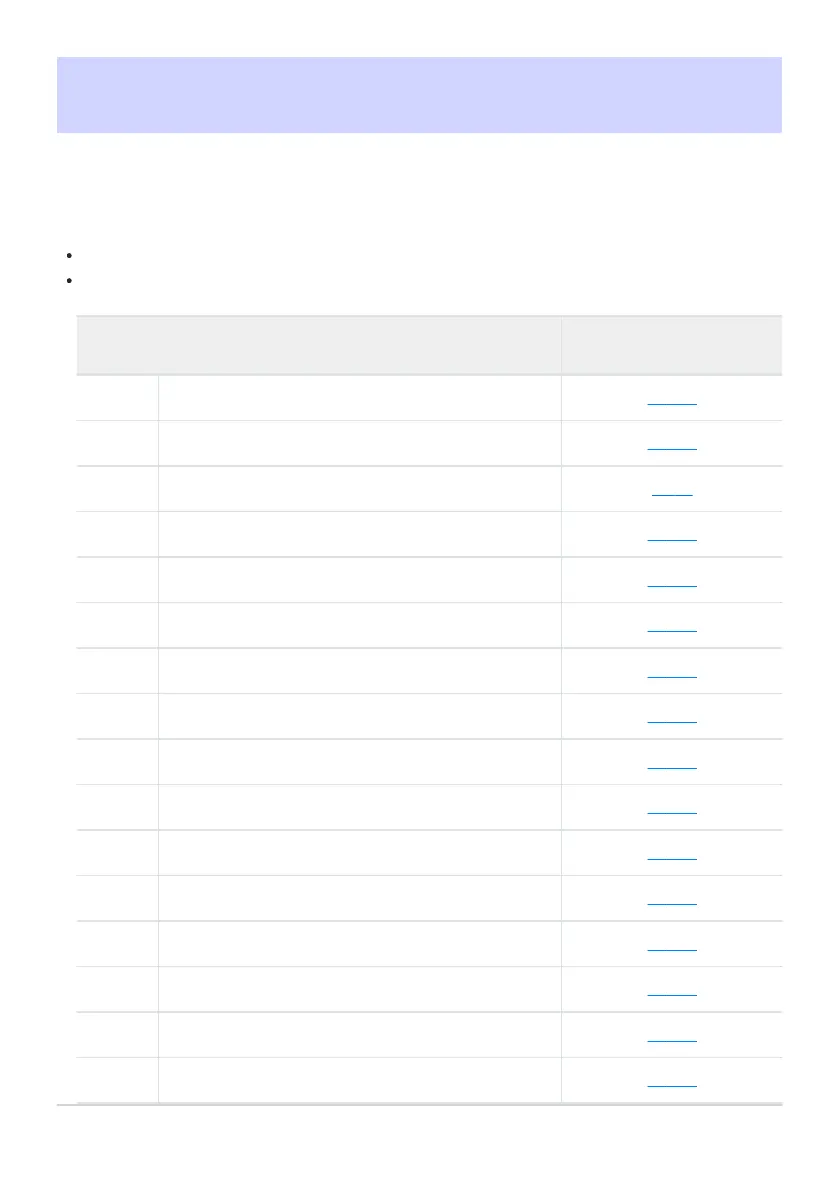
Choose the items listed in the i menu displayed when the i button is pressed in photo mode.
Highlight a position in the i menu, press J, and select the desired item.
The following items can be assigned to the i menu.
Option
0
n
[Shooting menu bank
]
0 421
j
[Select custom settings b
ank]
0 558
J
[Choose image area] 0 99
f
[Tone mode] 0 433
8
[Image quality] 0 101
o
[Image size] 0 103
N
[View memory car
d info]
0 622
E
[Exposure compensation] 0 131
9
[ISO sensitivity settings] 0 139
m
[White balance] 0 143
h
[Set Picture Control] 0 440
g
[Set Picture Control (HLG)] 0 442
p
[Color space] 0 446
y
[Active D-Lighting] 0 447
q
[Long exposure NR
]
0 449
r
[High ISO NR] 0 450
620
f1: Customize i Menu



 To Next Page