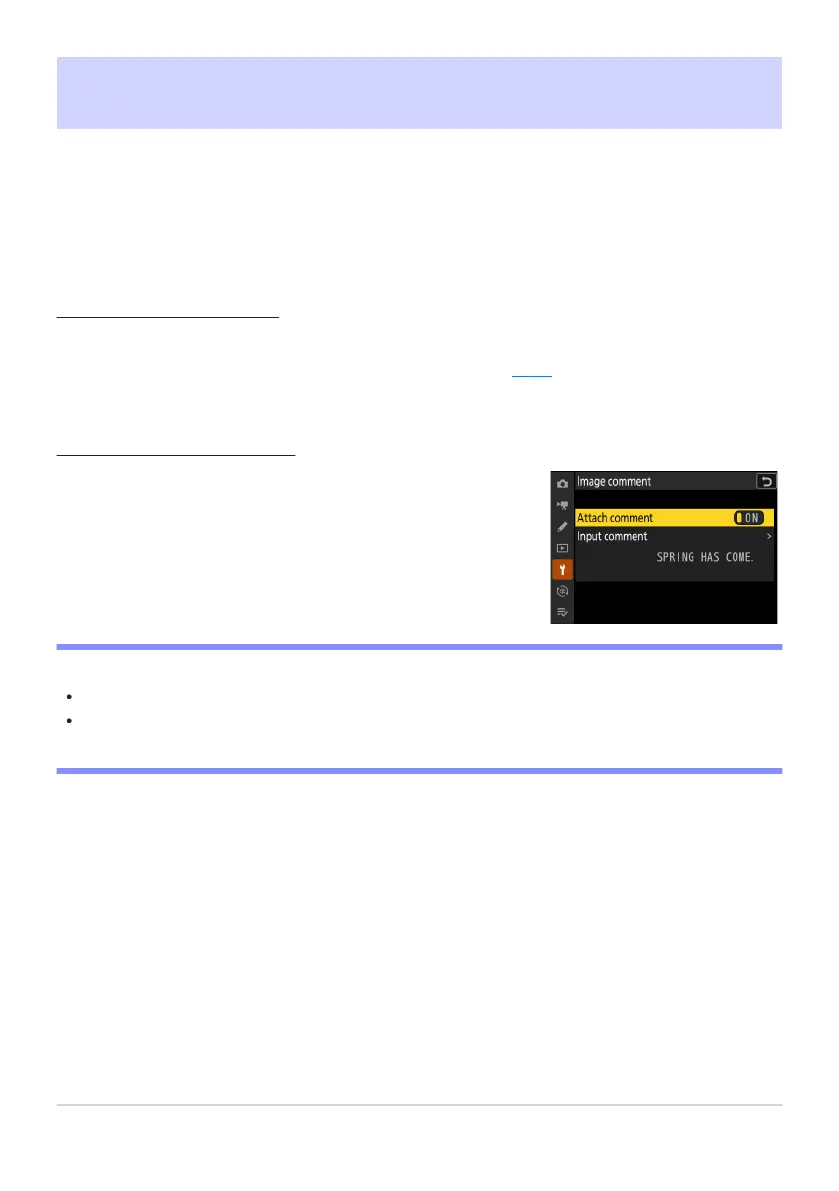
Comments will be attached to pictures taken while [A
ttach
comment
] is [ON].
Image Comment
G buttonU
Bsetup menu
Add a comment to new photographs as they are taken. Comments can be viewed in the NX Studio
[Info] tab.
Input Comment
Input a comment of up t
o 36 characters. Highlight [Input comment] and press 2 to display a
text-entry dialog. For information on text entry, see “Text Entry” (
0 67).
Attach Comment
D Photo Info
Comments can be view
ed on the [Other shooting data] page in the photo information display.
To display the [Other shooting data] page, select (M) both [Shooting data] and [Other shooting
data] for [Playback display options] in the playback menu.
733
Image Comment



 To Next Page