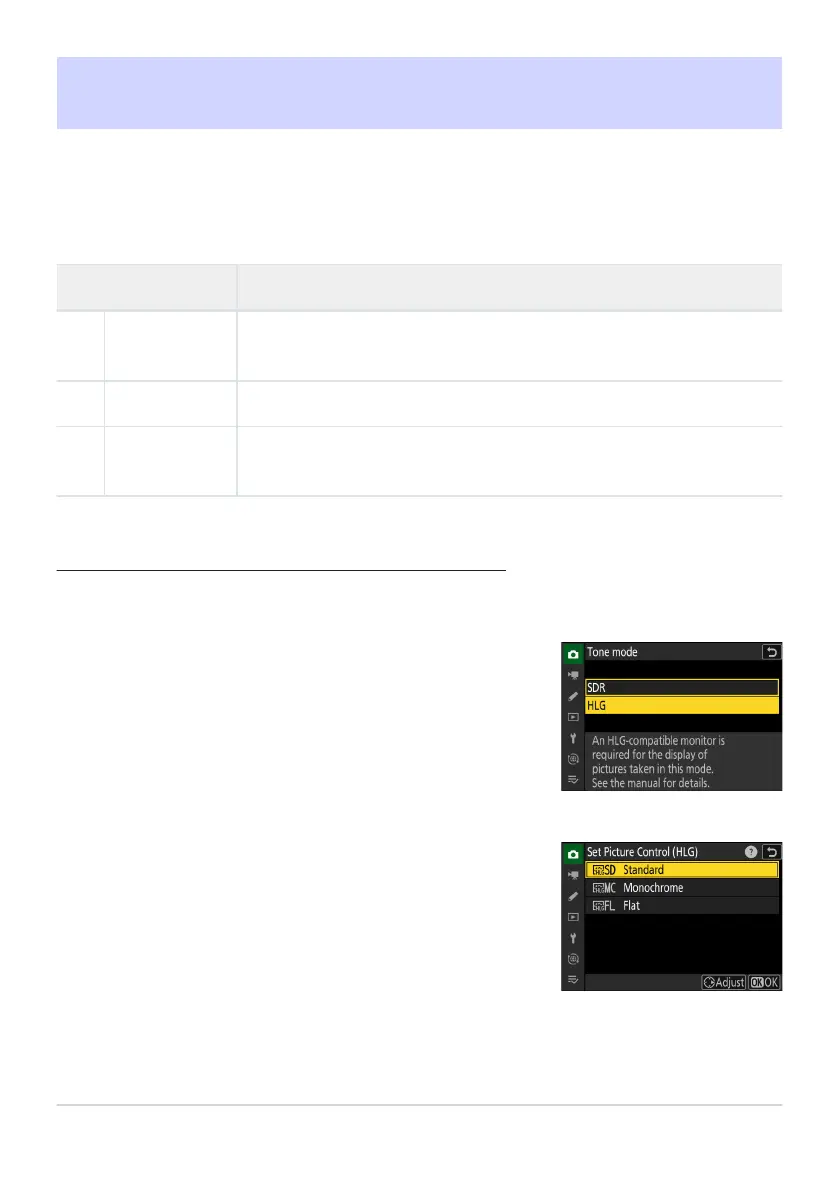
Select [HLG] for [Tone mode] in the photo shooting menu.
Select [Set Picture Control (HLG)] in the photo shooting
menu and choose a Picture Contr
ol.
Highlight the desired Picture Control and press 2.
Set Picture Control (HLG)
G buttonU
Cphoto shooting menu
Choose image processing (“Picture Control”) options for photos taken with [HLG] selected for tone
mode.
Option Description
c
[Standard]
S
tandard processing for balanced results. Recommended for most
situations.
d
[Monochrome] Take monochrome photographs.
e
[Flat]
Choose for photographs that will later be extensively processed or
retouched.
Modifying HLG Picture Controls
HLG Pictur
e Controls can be adapted to suit the scene or the photographer’s creative intent.
442
Set Picture Control (HLG)
1
2



 To Next Page