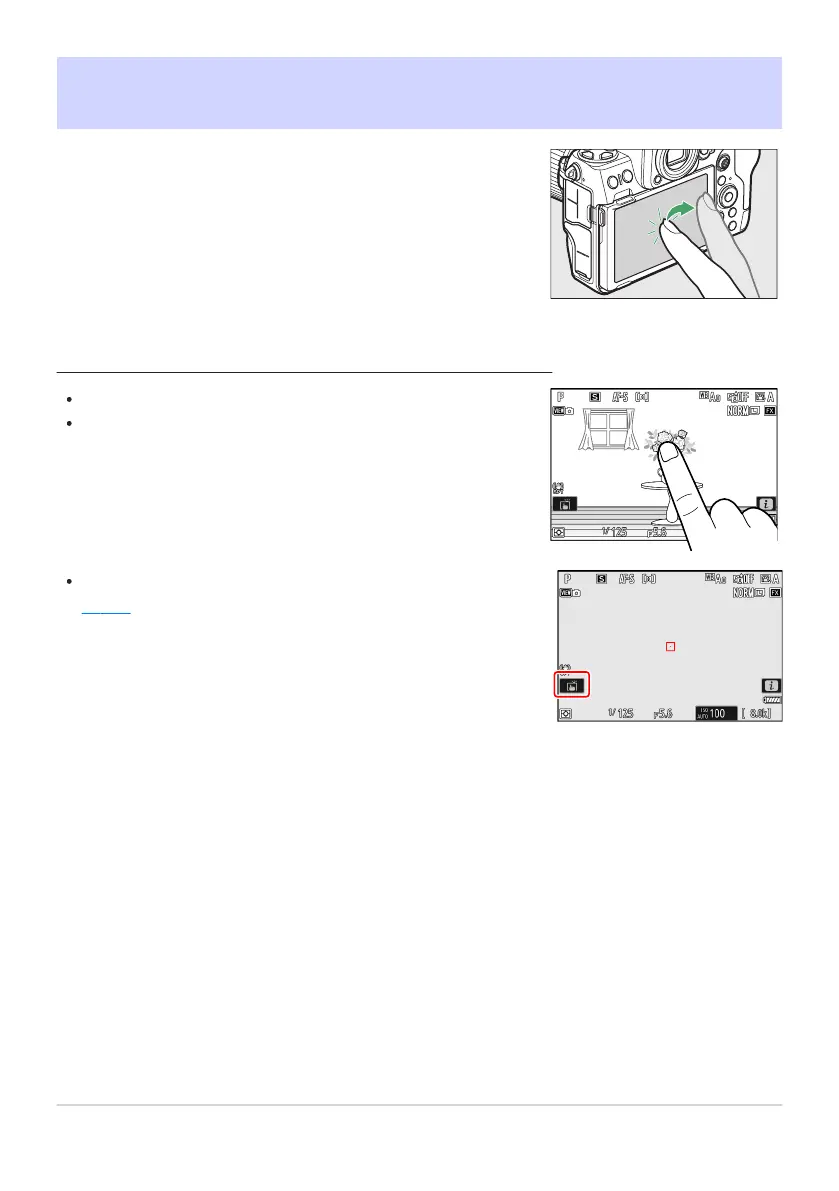
The touch-sensitive monitor offers a variety of controls that can
be operated by t
ouching the display with your fingers. During
viewfinder photography, touch controls are disabled and cannot be
used for focus or the like.
Touch the monitor to focus on the selected point (touch AF).
In photo mode, the shutt
er will be released when you lift your
finger from the display (touch shutter).
Touch shutter/AF settings can be adjusted by tapping the W icon
(0 115).
Touch Controls
Focusing and Releasing the Shutter
54
Touch Controls



 To Next Page