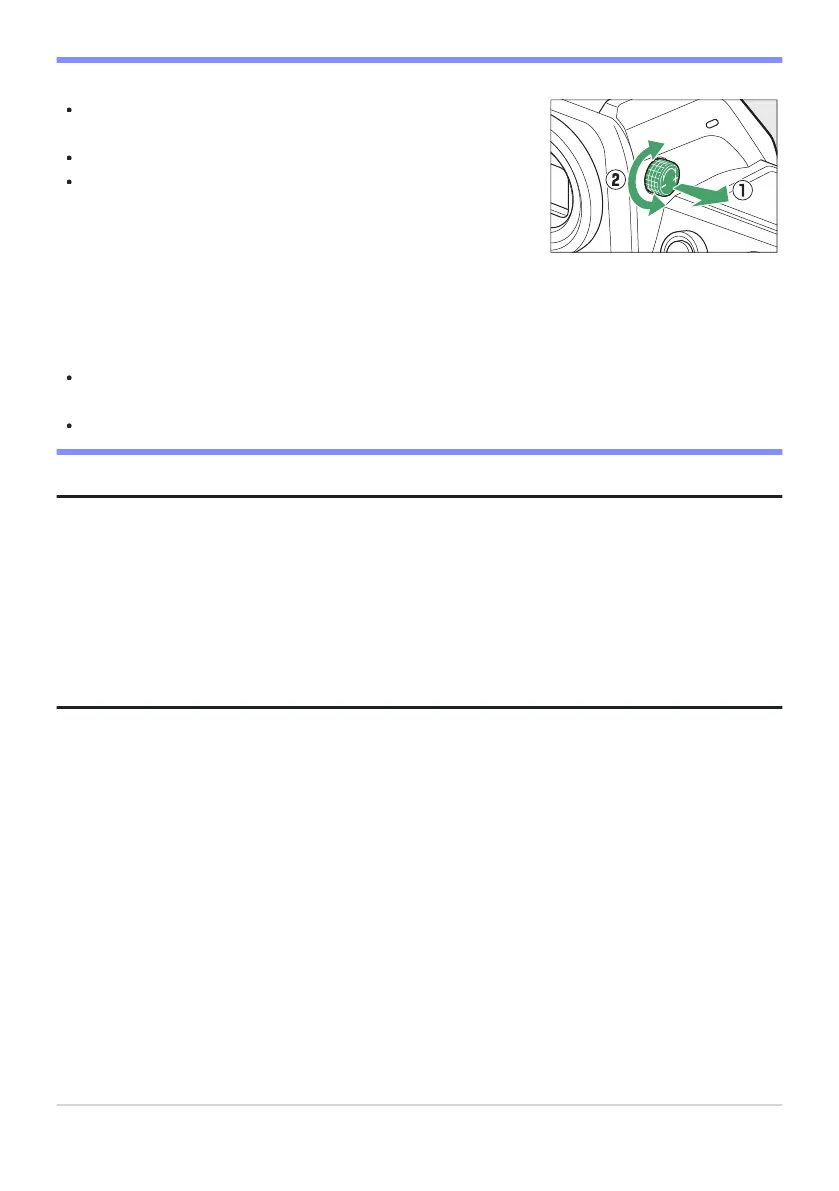
The viewfinder can be focused by lifting and rotating the diopter
adjustment control.
Be car
eful not to put your fingers or fingernails in your eye.
After adjusting diopter, push the diopter adjustment control back
into its original position.
D The Diopter Adjustment Contr
ol
D Tilting the Monitor
Putting your eye to the camera when the monitor is tilted will not trigger the viewfinder if both the
following conditions are met:
[Automatic display switch], [Prioritize viewfinder (1)], or [Prioritize viewfinder (2)] is selected
for monitor mode, and
a menu, picture, or other display currently appears in the monitor.
Tip: Extended Use
When using the viewfinder for extended periods, you can select [Adjust for ease of viewing] for
Custom Setting d8 [View mode (photo Lv)] to ensure that viewfinder brightness and hue are adjusted
for ease of viewing.
Tip: Limit Monitor Mode Selection
You can limit the choice of monitor modes available using the [Limit monitor mode selection] item in
the setup menu.
53
The Viewfinder



 To Next Page