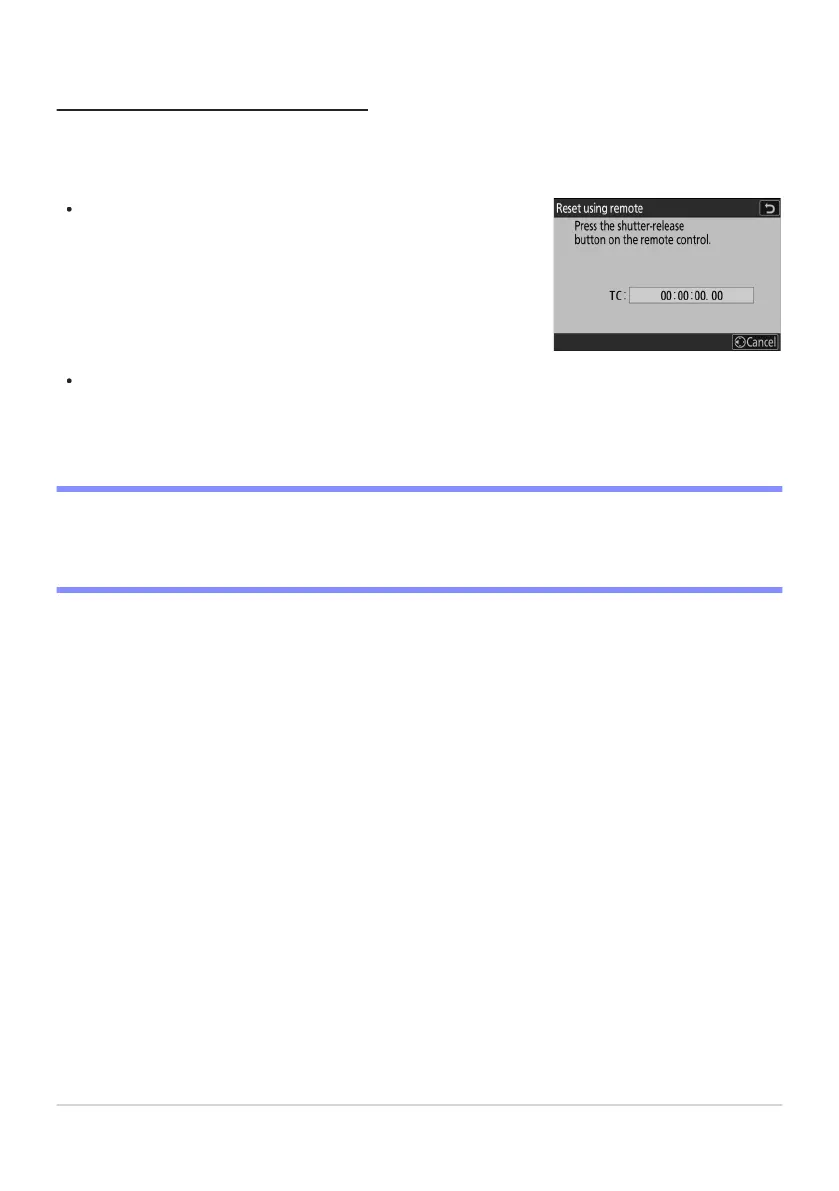
Selecting [Reset using r
emote] displays a time-code reset dialog.
Press the shutter-release button on the WR-T10 to reset the time
code.
“Reset Using Remote”
This option allows the time code to be r
eset by pressing the shutter-release button on an optional
WR‑T10 paired with an optional WR‑R11a or WR‑R10 wireless remote controller attached to the
camera.
Paring a single WR-T10 with multiple WR-R11a/WR-R10 wireless remote controllers allows the
time codes for multiple cameras to be reset simultaneously with a single press of the WR-T10’s
shutter-release button. The time codes for multiple cameras can thus be synchronized, making
editing easier.
D The Time-Code Reset Dialog
Pressing the camera shutter-release button all the way down while the time-code reset dialog is
displayed resets the time code. No photograph will be taken.
548
Timecode



 To Next Page