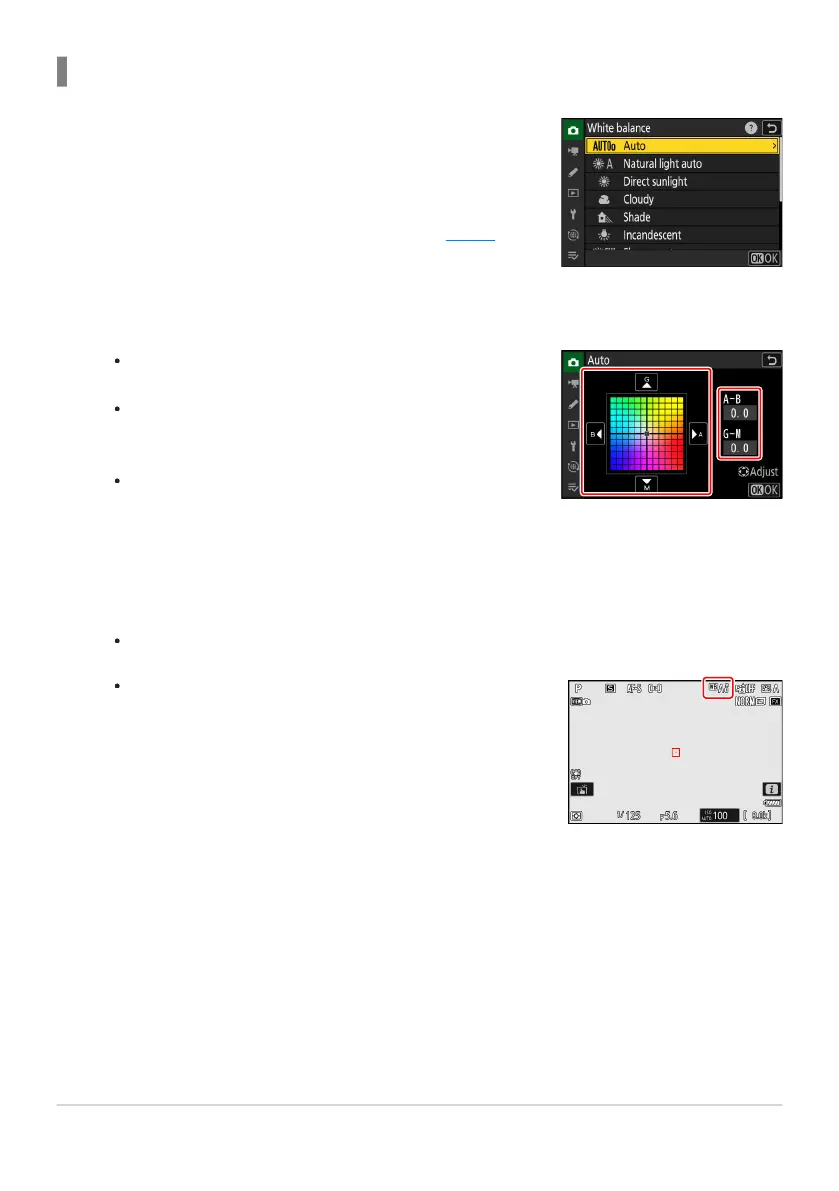
Select [White balance] in the photo shooting menu,
highlight the desired option, and pr
ess 2 as often as
necessary to display fine-tuning options.
For information on fine-tuning [Preset manual] white balance,
see “Fine-Tuning Preset Manual White Balance” (
0 161).
Use the multi selector to position the cursor on the grid. The
selected v
alue is displayed to the right of the grid.
The A (amber)–B (blue) axis corresponds to color
temperature and is ruled in increments of 0.5. A change of 1
is equivalent to approximately 5 mired.
The G (green)–M (magenta) axis has effects similar to color
compensation filters and is ruled in increments of 0.25.
A change of 1 is equivalent to approximately 0.05 diffuse
density units.
If white balance has been fine-tuned, an asterisk (“U”) will
appear in the white b
alance icon.
Using the Menus
Fine-tune white b
alance.
Save changes.
Press J to save changes and exit to the menus.
149
White Balance
1
2
3



 To Next Page