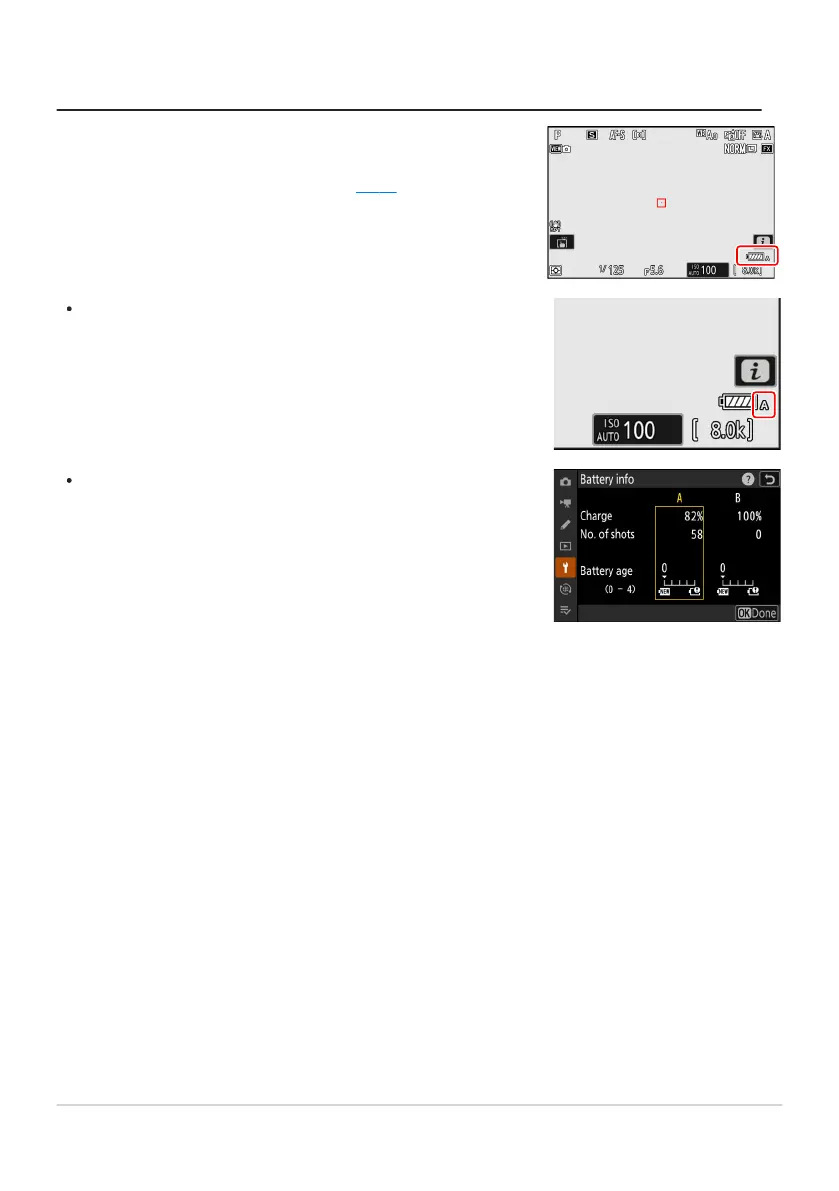
When the MB-N12 is connected, the level of the battery currently
providing pow
er to the camera is shown in the shooting display
and control panel while the camera is on (
0 81).
The chamber containing the battery currently in use is indicated
by an icon next to the b
attery level in the shooting display.
Additional information, including the battery age and precise
battery level, can be viewed using the [Battery info] item in the
setup menu.
Checking the Level of the Batteries in the MB-N12
885
Optional MB-N12 Power Battery Packs



 To Next Page