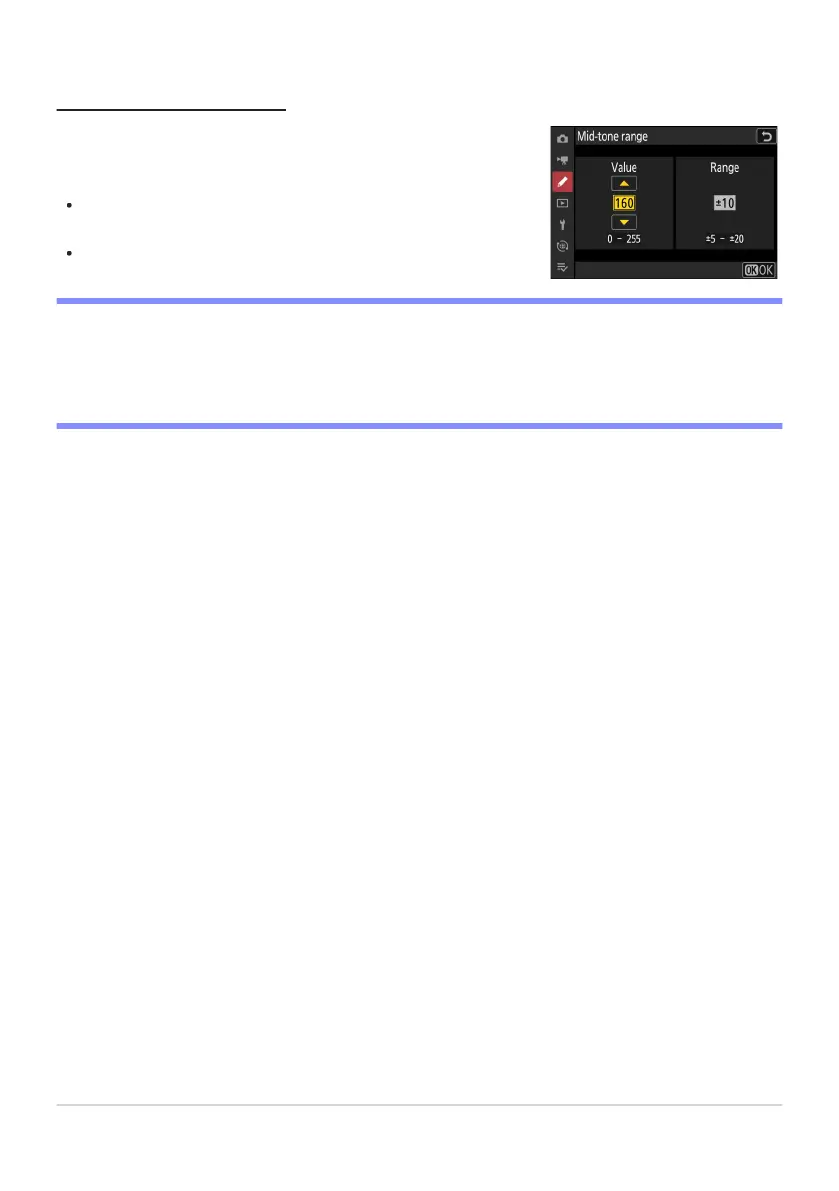
Choose the brightness needed to trigger the zebra display when
[Mid-tones] is select
ed for [Pattern tone range].
The mid-tone range is defined as a brightness [Value] and
[Range] of brightnesses centered around the selected value.
Press 4 or 2 to highlight items and press 1 or 3 to change.
Mid-tone Range
D Zebra Patt
ern
If both the zebra display and focus peaking are enabled in manual focus mode, only focus peaking
will take effect. To view the zebra display in manual focus mode, select [OFF] for Custom Setting a13
[Focus peaking]> [Focus peaking display].
680
g12: Zebra Pattern



 To Next Page