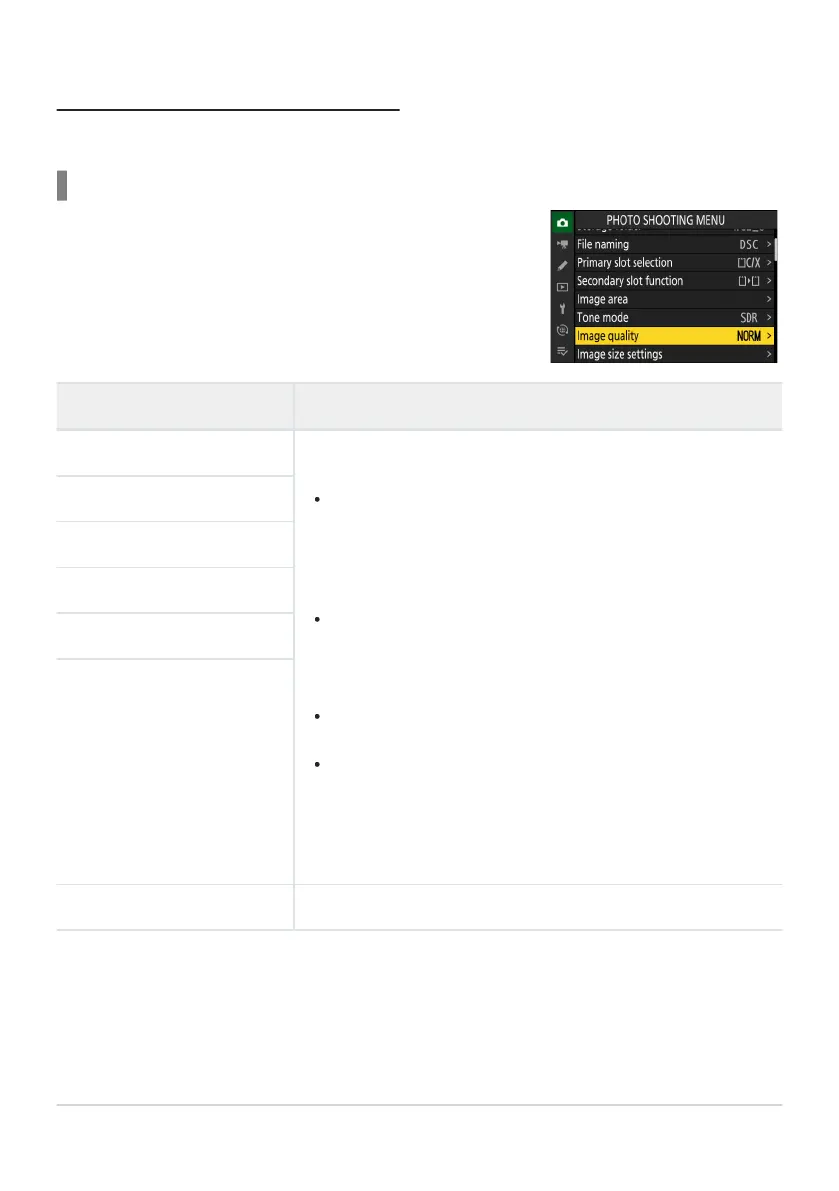
Image quality can be adjusted using the [Image quality] item in
the phot
o shooting menu.
Adjusting Image Quality
Choose the image quality option used when photographs ar
e recorded.
Choosing an Image Quality Option
Option Description
[RA
W+ JPEG/HEIF finem
]
Record two copies of each photo: an NEF (RAW) picture and either
a JPEG or HEIF copy.
When [
SDR] is selected for [Tone mode] in the photo shooting
menu, the camera will record an NEF (RAW) picture and a JPEG
copy. When [HLG] is selected for [Tone mode] in the photo
shooting menu, the camera will record an NEF (RAW) picture
and an HEIF copy.
Choose options with a star (“m”) to maximize the quality of
the JPEG or HEIF copies. Choose options without a star (“m”)
to ensure that the JPEG/HEIF copies all have more or less the
same file size.
The camera displays only the JPEG or HEIF copy of dual-format
pictures taken with one memory card inserted.
If the photo was recorded with only one memory card inserted
or with [Overflow] or [Backup] selected for [Secondary slot
function] in the photo shooting menu and two memory cards
inserted, deleting the JPEG or HEIF copy on the camera will also
delete the NEF (RAW) picture.
[RAW+ JPEG/HEIF fine]
[
RAW+ JPEG/HEIF normalm
]
[RAW+ JPEG/HEIF normal]
[RAW+ JPEG/HEIF basicm
]
[RAW+ JPEG/HEIF basic]
[
RAW] R
ecord photos in NEF (RAW) format.
101
Image Recording Options (Image Area, Quality,
and Size)



 To Next Page