Playback Display Options
G button
UDplayback menu
Choose display options for full-frame playback.
Highlight options and press 2 to select (M) or deselect (U).
To complete the operation, press G.
Option Description
[Focus point]
Select (M) this option t
o view the location o
f the focus point used
when the picture was taken.
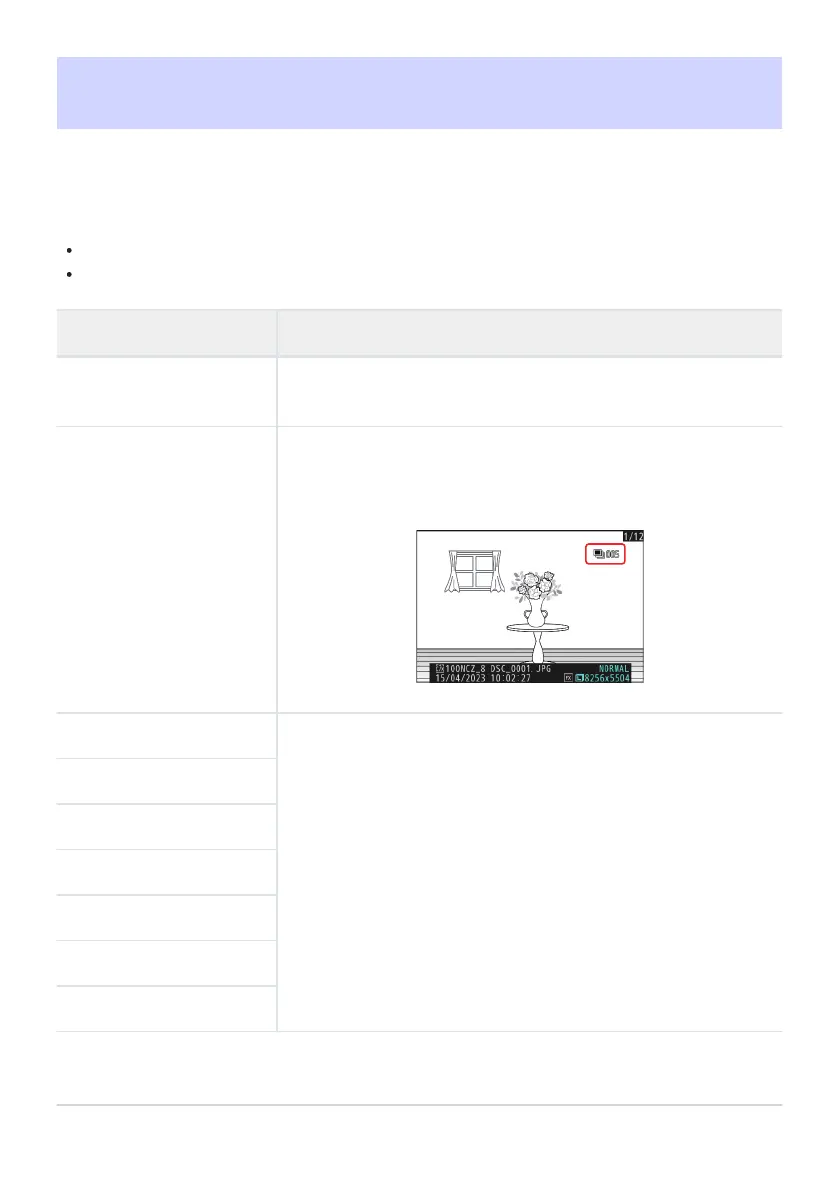
[Mark first shot in series]
When this option is selected (M), the first pictur
e in each burst will
be identified by a c icon and a figure giving the total number of
shots in the burst.
[Exposure info]
The select
ed (M) information displays can be viewed using the DISP
button or by pressing 1 or 3.
[Highlights]
[RGB histogram]
[Shooting data]
[Overview]
[None (picture only)]
[File info]
692
Playback Display Options



 To Next Page