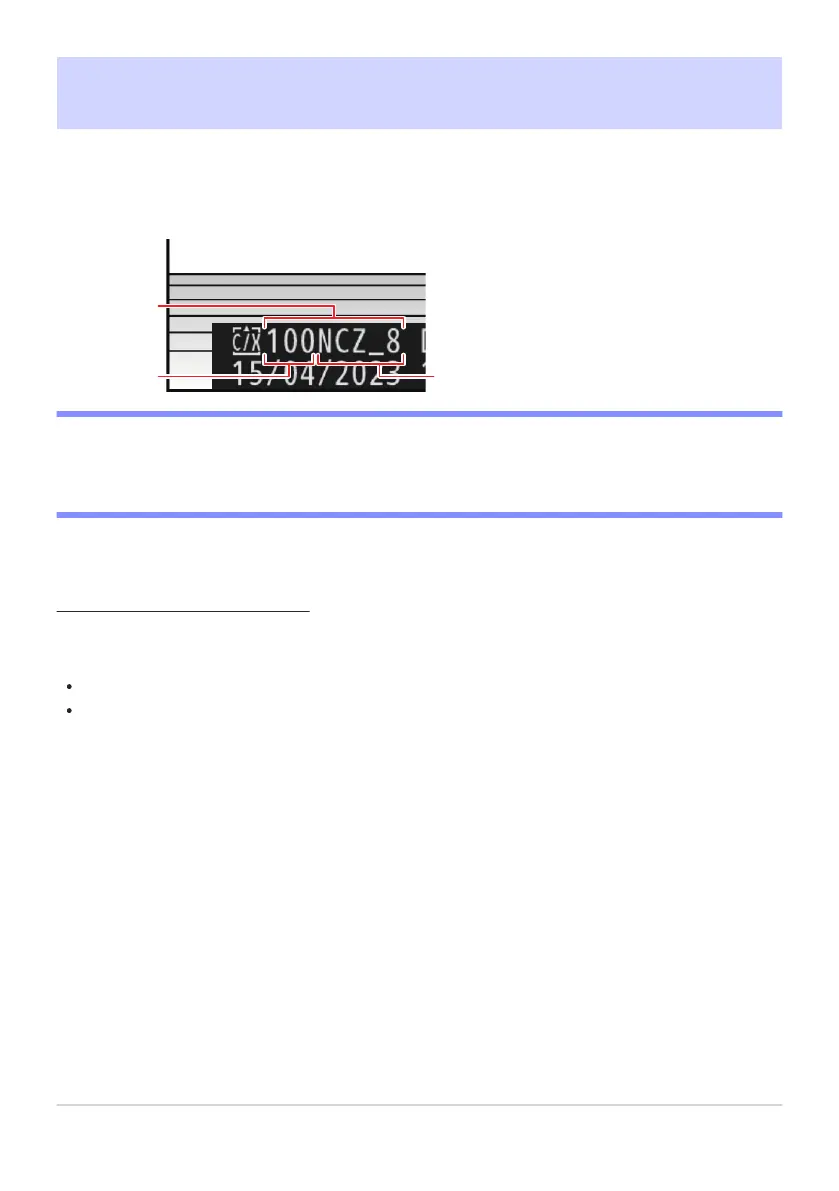
Folder
Folder number
Folder name
1
2
3
Storage Folder
G button
UCphoto shooting menu
Choose the folder in which subsequent pictures will be stored.
D “Storage Folder”
Changes to [Storage folder] made in the photo shooting menu apply in the video recording menu
and vice versa.
Renaming Folders
The default folder name, which appears af
ter the folder number, is “NCZ_8”. To choose a different
five-character folder name for new folders, select [Rename].
Existing folders cannot be renamed.
If desired, the default name can be restored for subsequent folders by pressing and holding the O
(Q) button while the keyboard is displayed.
424
Storage Folder



 To Next Page