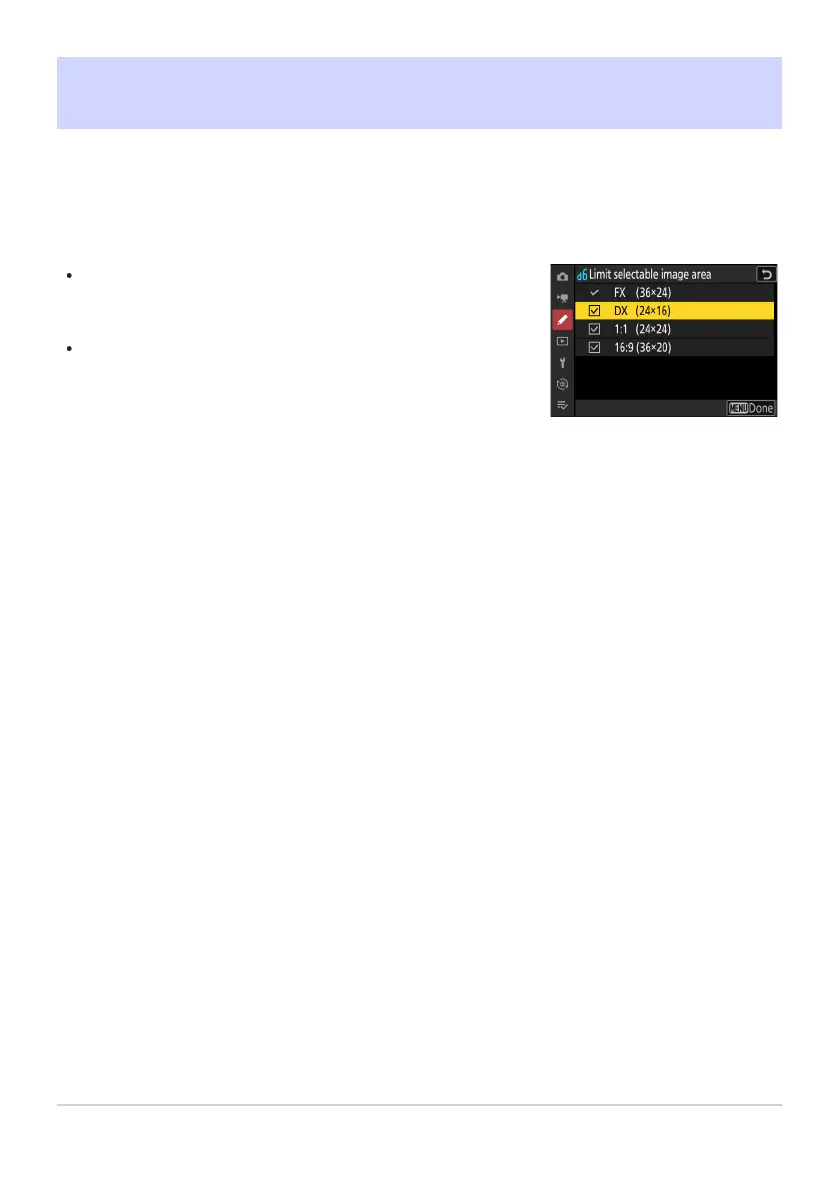
Highlight options and press J or 2 to select (
M) or deselect (U).
Modes marked with a check (M) are available for selection via
the command dials.
To complete the operation, press G.
d6: Limit Selectable Image Area
G buttonU
ACustom Settings menu
Choose the options that can be accessed by rotating a command dial in the i menu or while pressing
a control to which image area has been assigned.
592
d6: Limit Selectable Image Area



 To Next Page