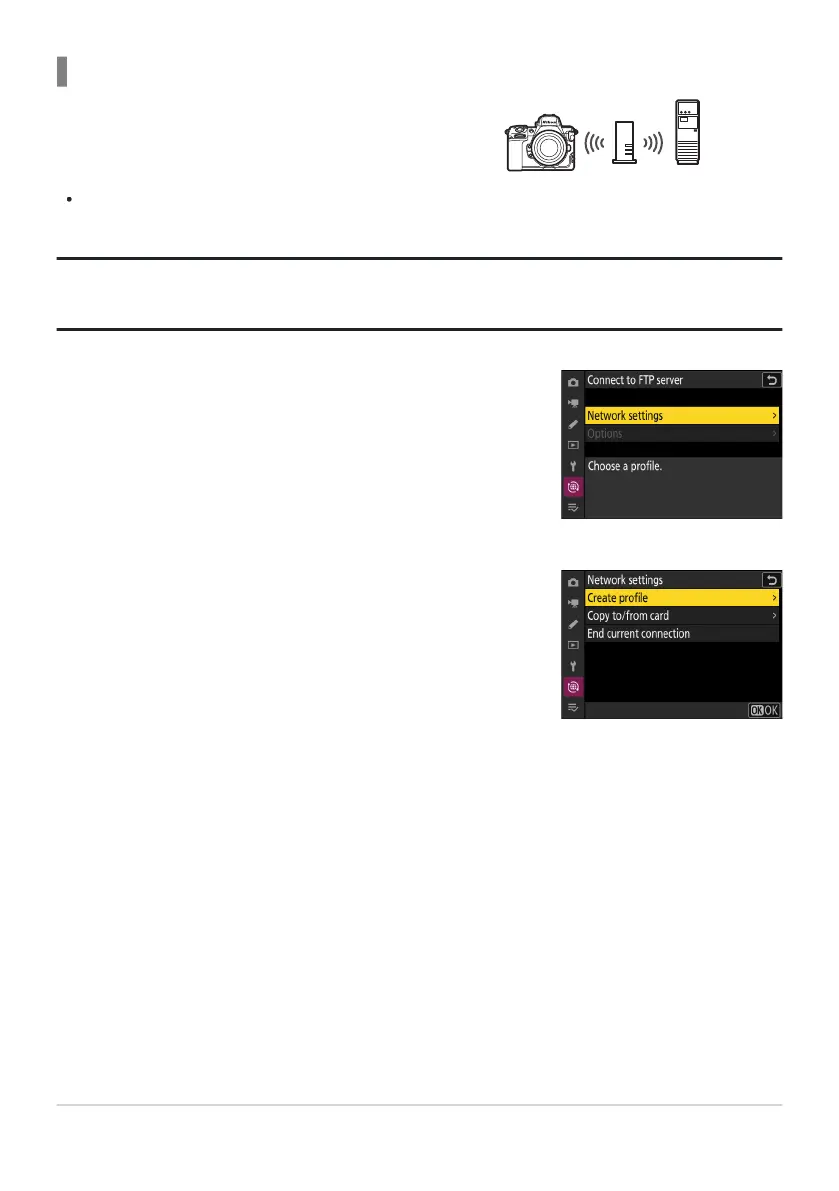
The camera connects to an FTP server on an
existing network (including home netw
orks) via a
wireless router.
Create a host profile using the camera
connection wizard.
Select [Connect to FTP server] in the network menu, then
highlight [Netw
ork settings] and press 2.
Highlight [Create profile] and press J.
Connecting in Infrastructure Mode
Tip: Infrastructur
e Mode
Infrastructure mode supports connection to FTP servers on different networks.
341
FTP Servers: Connecting via Wireless LAN
1
2



 To Next Page