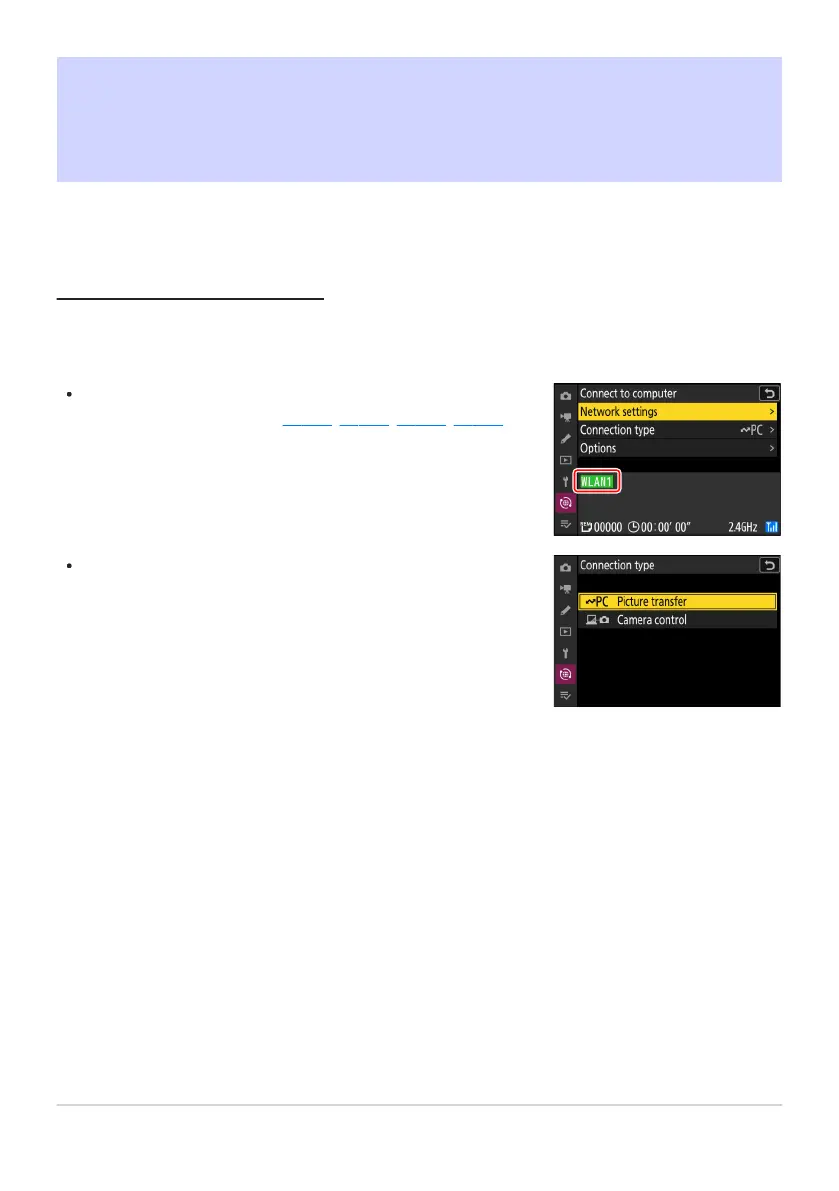
Before uploading pictures, connect the camera to the destination
via Ethernet or wir
eless LAN (
0 314, 0 328, 0 335, 0 351).
Aft
er creating a profile, confirm that the profile name is listed in
green in the [Connect to computer] or [Connect to FTP server]
display.
To upload pictures to a computer, select [Picture transfer] for
[
Connect to computer]> [Connection type] in the network
menu.
What You Can Do When the Camera Is
Connected t
o a Computer or FTP Server
Ethernet and wireless LAN connections can be used to upload pictures or control the camera remotely.
Uploading Pictures
Pictures can be select
ed for upload during playback. They can also be uploaded automatically as they
are taken.
359
What You Can Do When the Camera Is
Connected t
o a Computer or FTP Server



 To Next Page