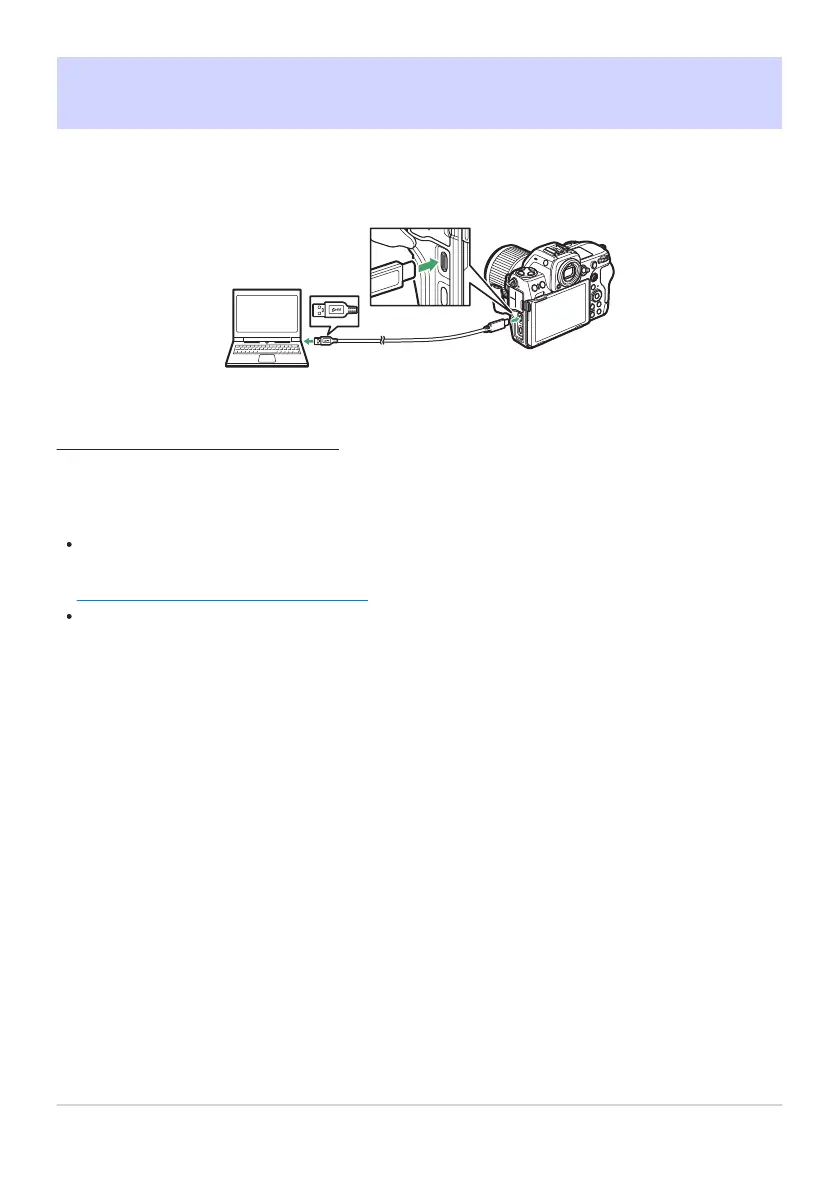
Computers: Connecting via USB
Connect the camera using the supplied USB cable. You can then use NX S
tudio software to copy
pictures to the computer for viewing and editing.
Installing NX Studio
You will need an Int
ernet connection when installing NX Studio. Visit the Nikon website for the latest
information, including system requirements.
Download the latest NX Studio installer from the website below and follow the on-screen
instructions to complete installation.
https://downloadcenter.nikonimglib.com/
Note that y
ou may be unable to download pictures from the camera using earlier versions of NX
Studio.
310
Computers: Connecting via USB



 To Next Page