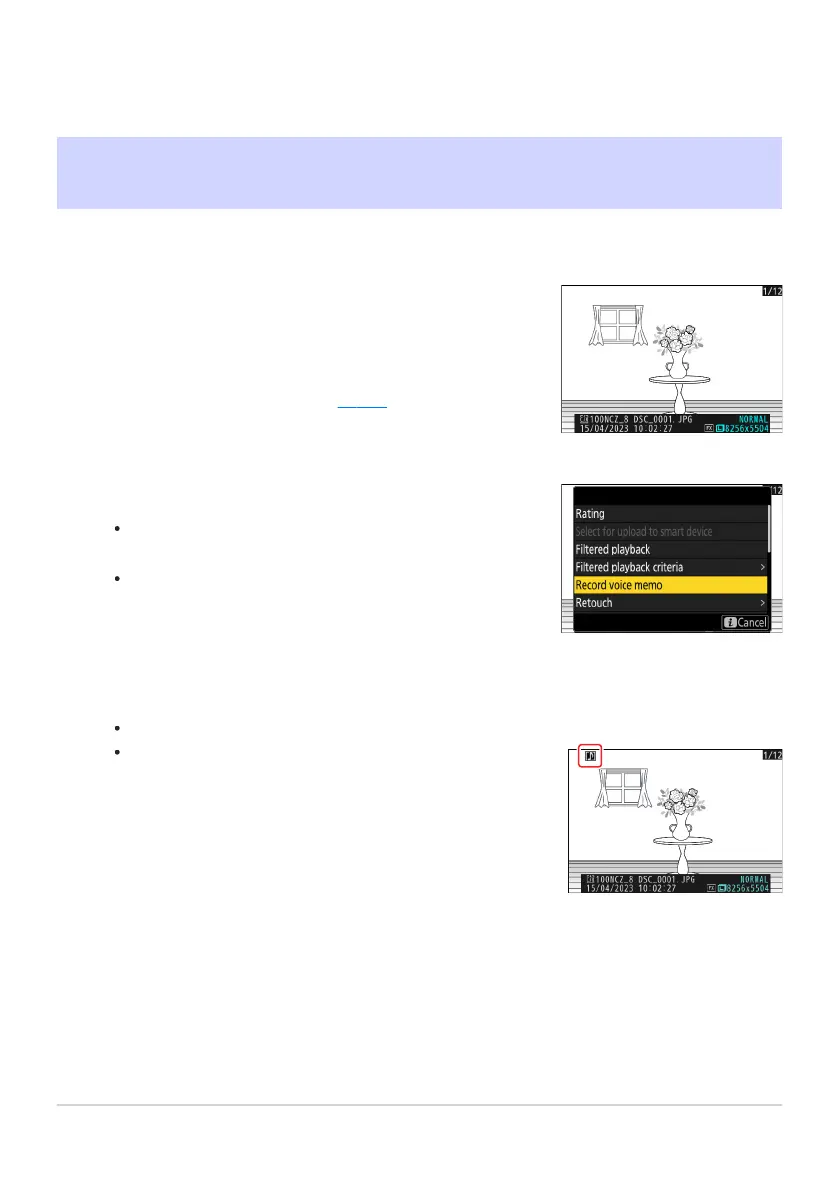
Select the photograph.
Only one voice memo can be r
ecorded per picture; additional
voice memos cannot be recorded for pictures already marked
with a h icon. The existing voice memo must be deleted
before another can be recorded (
0 289).
Select [Record voice memo] in the i menu.
To star
t recording, press the i button, highlight [Record
voice memo], and press J.
During recording, the camera displays a b icon and a
countdown of the remaining recording time, in seconds.
Pictures with voice memos are indicated by h icons.
Voice Memos
Recor
ding Voice Memos
Voice memos up to 60 seconds long can be added to photographs.
Press J.
Recording will end.
286
Recording Voice Memos
1
2
3



 To Next Page