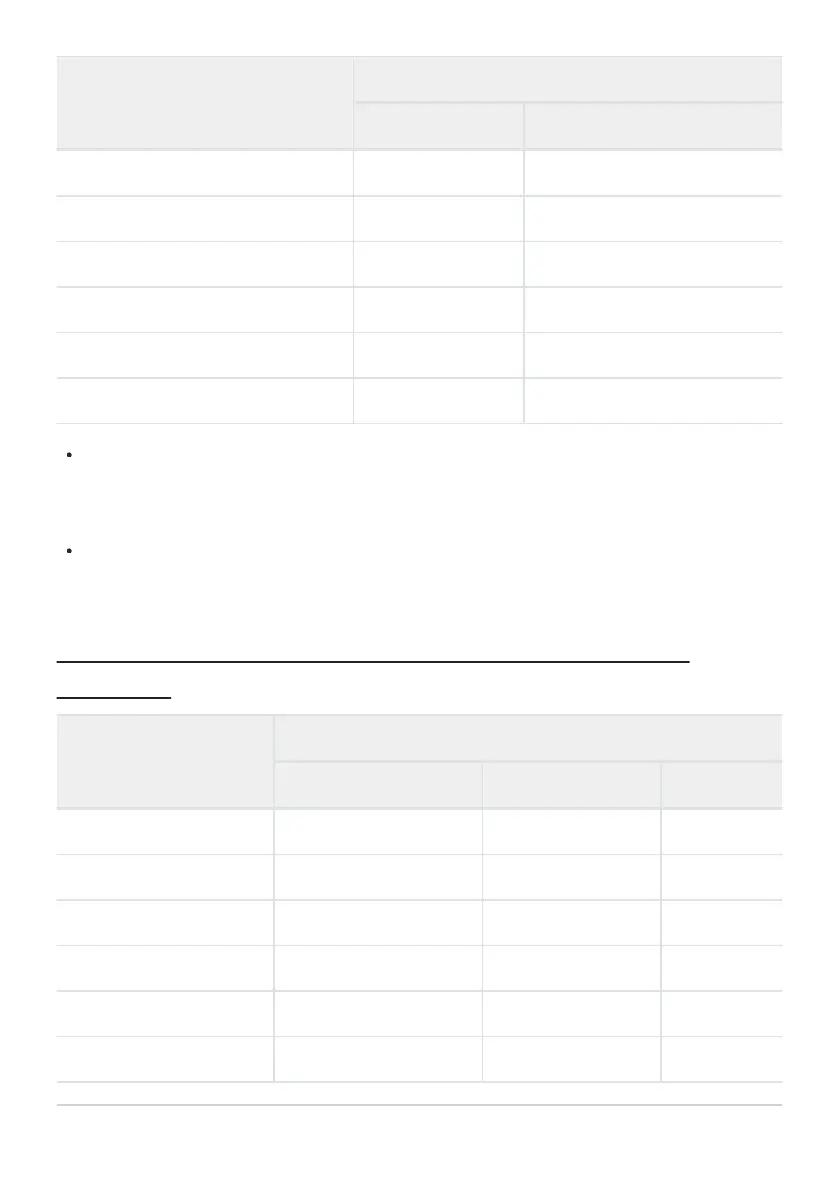
Option
Video file type
N-RAW 12-bit ProRes RAW HQ 12-bit
[[DX] 5392×3032; 25p]
4 4
[
[DX] 5392×3032; 24p]
4 4
[[2.3×] 3840×2160; 120p]
4
—
[[2.3×] 3840×2160; 100p]
4
—
[[2.3×] 3840×2160; 60p] —
4
[[2.3×] 3840×2160; 50p] —
4
Regardless of the setting chosen for [Image area]> [Choose image area] in the video recording
menu, “FX” options will be recorded using the [FX] image area and “DX” options using the [DX]
image area. Choosing a “2.3×” option increases the apparent focal length by approximately 2.3×
when compared to FX format.
DX-based video format is selected automatically when a DX lens is attached. “FX” options cannot be
selected.
Frame Size and Rate Options for Other Video
Formats
Option
1
Video file type
ProRes 422 HQ 10-bit H.265 10-bit/8-bit H.264 8-bit
[7680×4320; 30p]
2, 3
—
4
—
[7680×4320; 25p]
2, 3
—
4
—
[7680×4320; 24p]
2, 3
—
4
—
[3840×2160; 120p]
2, 4
—
4
—
[3840×2160; 100p]
2, 4
—
4
—
[3840×2160; 60p]
4
4 4
—
194
Video Frame Size and Rate Options



 To Next Page