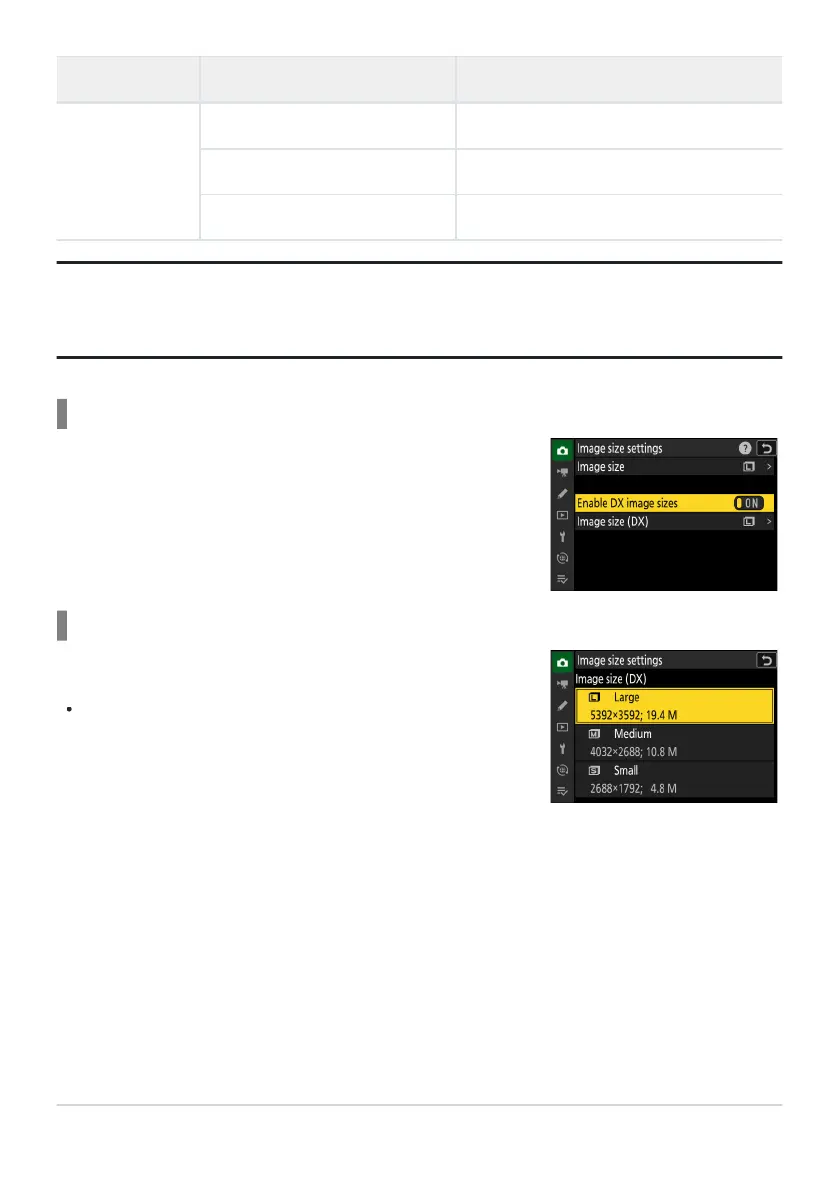
Selecting [ON] allows the size for photos tak
en using the [DX
(24×16)] image area to be chosen separately from that for pictures
taken using other image areas.
Choose the size of photographs taken using the [DX (24×16)]
image ar
ea when [ON] is selected for [Enable DX image sizes].
Regardless of the option selected, NEF (RAW) pictures will be
recorded at a size of [Large].
Image area Image size Size when printed at 300dpi
[16:9 (36×20)]
Large (8256× 4640 pixels) Approx. 69.9× 39.3cm/27.5× 15.5 in.
Medium (6192× 3480 pixels) Approx. 52.4× 29.5cm/20.6× 11.6in.
Small (4128× 2320 pixels) Approx. 35.0× 19.6cm/13.8× 7.7in.
Tip: Print Size
Print size in inches equals image size in pixels divided by print
er resolution in dots per inch (dpi; 1
inch= 2.54 cm).
Enable DX Image Sizes
Image Size (DX)
104
Image Recording Options (Image Area, Quality,
and Size)



 To Next Page