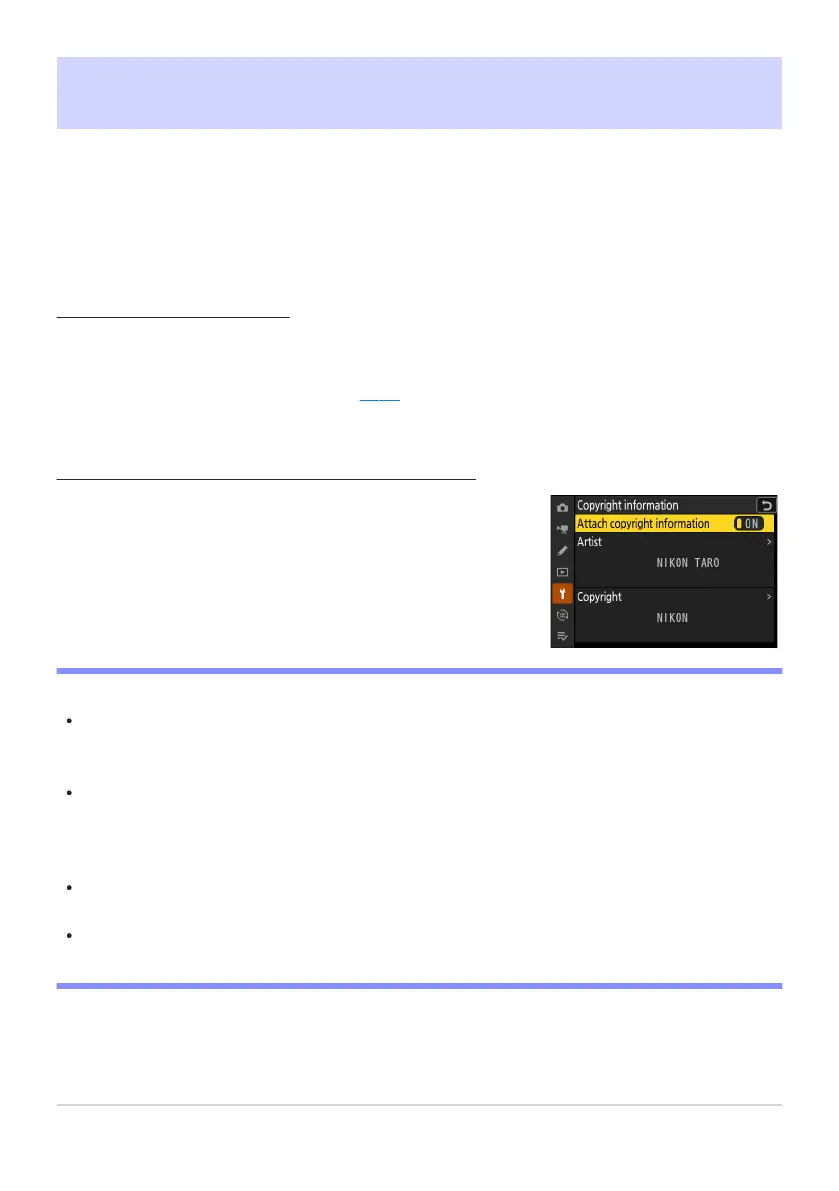
Copyright information will be attached to pictures taken while
[A
ttach copyr
ight information] is [ON].
Copyright Information
G buttonU
Bsetup menu
Add copyright information to new photographs as they are taken. Copyright information can be
viewed in the NX Studio [Info] tab.
Artist/Copyright
Enter the names o
f the photographer (maximum 36 characters) and copyright holder (maximum
54 characters). Highlight [Artist] or [Copyright] and press 2 to display a text-entry dialog. For
information on text entry, see “Text Entry” (
0 67).
Attach Copyright Information
D Cautions: Copyright Infor
mation
To prevent unauthorized use of the artist or copyright holder names, make sure that [OFF] is
selected for [Attach copyright information] before lending or transferring the camera to another
person. You will also need to make sure that the artist and copyright fields are blank.
Nikon does not accept liability for any damages or disputes arising from the use of the [Copyright
information] option.
D Viewing Copyright Information
Copyright information can be viewed on the [Copyright info] page in the photo information
display.
To display the [Copyright info] page, select (M) both [Shooting data] and [Copyright info] for
[Playback display options] in the playback menu.
734
Copyright Information



 To Next Page