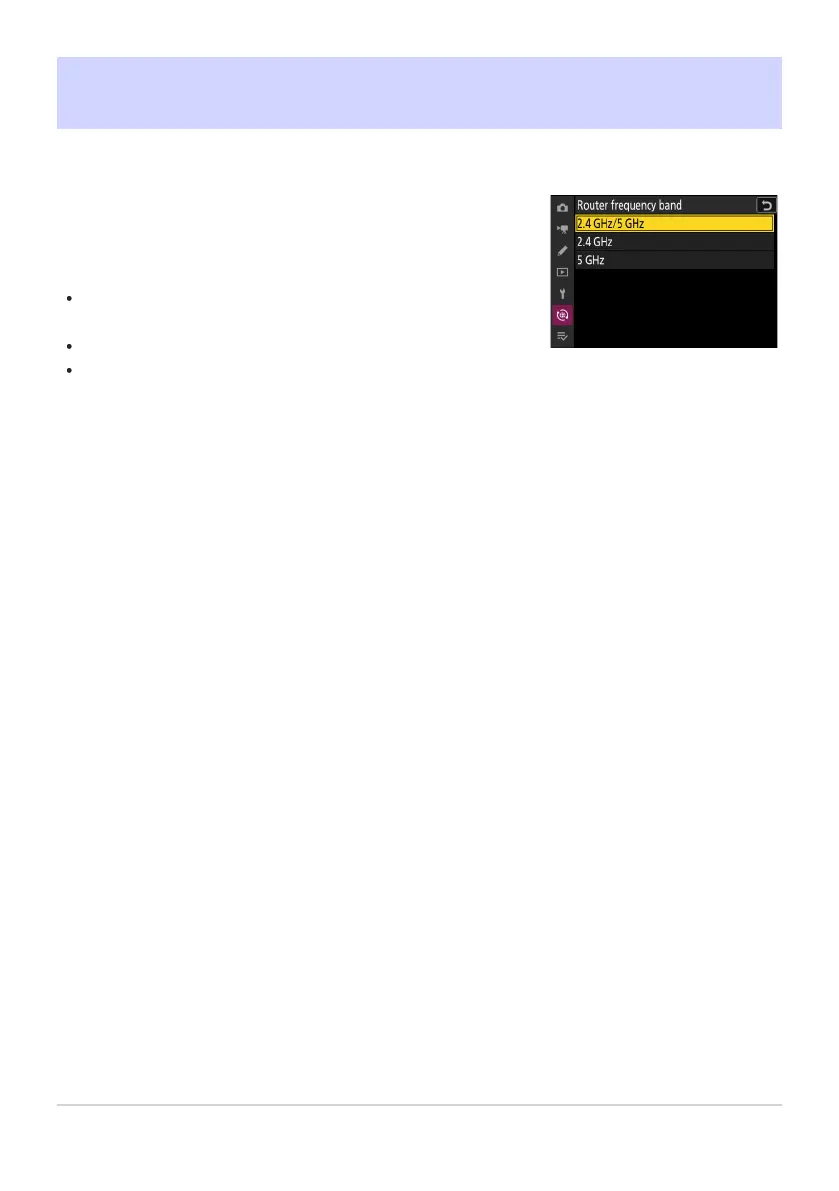
Choose the band for the selected SSID when connecting to a
wireless netw
ork in infrastructure mode. Select [2.4GHz/5GHz]
to connect to networks operating on either band.
When the camera searches for networks active in the vicinity, it
will list only those operating on the chosen band or bands.
The band is listed to the left of the network SSID.
If you select [2.4GHz/5GHz] when connecting via wireless
routers that operate on both bands, the list will include the SSIDs
in the band or bands detected by the camera.
Router Frequency Band
G button
UF network menu
787
Router Frequency Band



 To Next Page