En_02
33Inserting Memory Cards
Removing Memory Cards
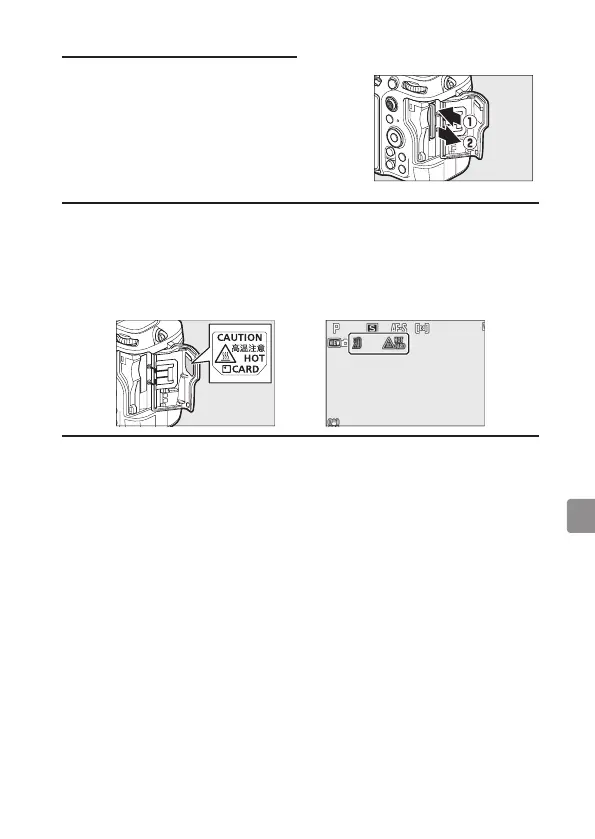
After confirming that the memory card access
lamp is off, turn the camera off, open the
memory card slot cover, and press the card in
to eject it (q). The card can then be removed
by hand (w).
D Memory Card High‑Temperature Warning
As indicated in the label inside the memory card slot cover, memory
cards may become hot while inserted in the camera. Wait for any
high-temperature warnings to clear from the shooting display before
handling the camera and memory cards.



 To Next Page