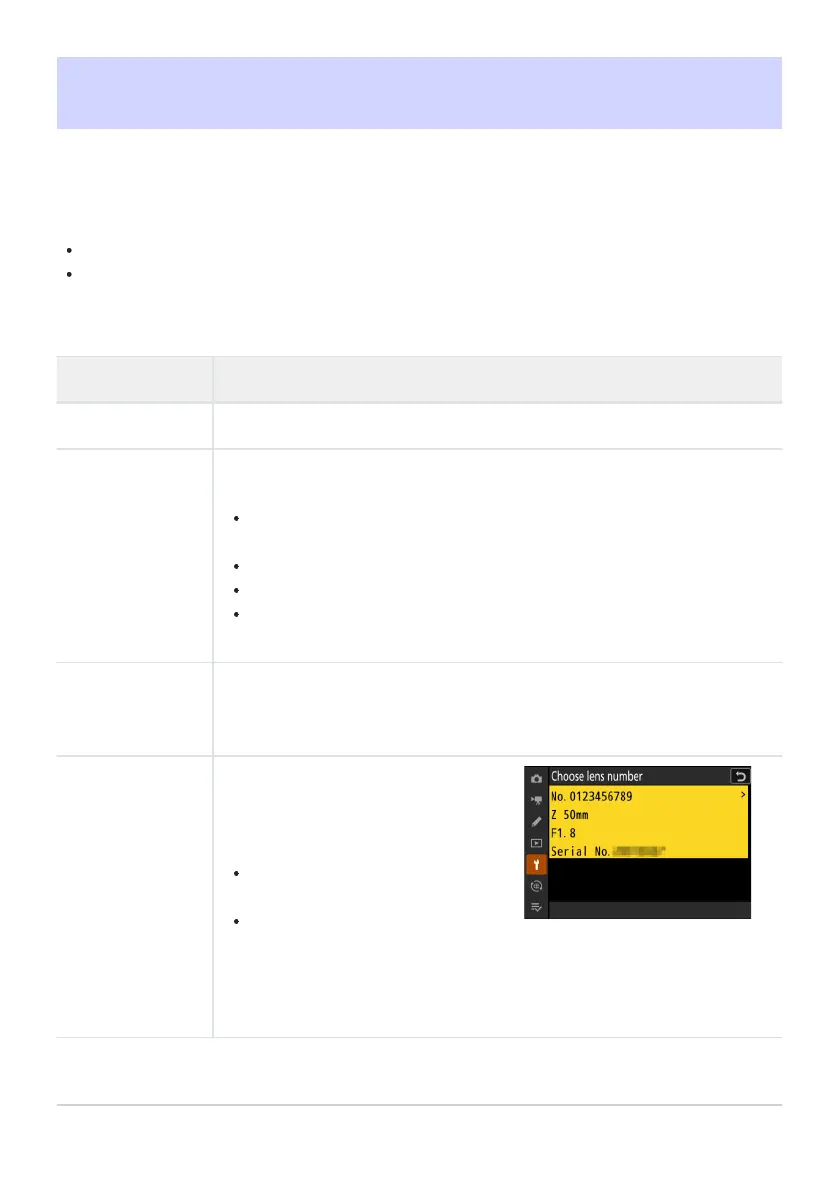
List values saved using [Fine-tune
and save lens]. Highlighting a lens
in the list and pressing 2 displays a
[Choose lens number] dialog.
The [Choose lens number] dialog
is used to enter the lens identifier.
In the case of Z mount lenses
and some F mount lenses, the
lens serial number is entered
automatically.
AF Fine-Tuning Options
G button
UBsetup menu
Fine-tune focus for the current lens.
Use only as required.
We recommend that you perform fine-tuning at a focus distance you use frequently. If you perform
focus-tuning at a short focus distance, for example, you may find it less effective at longer
distances.
Option Description
[AF fine-tune] Select [ON] to tur
n fine-tuning on.
[Fine-tune and
save lens
]
Fine-tune focus for the current lens. Press 1 or 3 to highlight it
ems and
press 4 or 2 to choose from values between +20 and −20.
The larger the fine-tuning value, the farther the focal point is from the lens;
the smaller the value, the closer the focal point.
The display shows the current and previous values.
The camera can store values for up to 40 lens types.
If a value already exists for the current lens, you can choose whether to
add a new value or overwrite the existing value.
[Default]
Choose the fine-tuning values for lenses for which no values have previously
been sav
ed using [
Fine-tune and save lens]. Press 4 or 2 to choose from
values between +20 and −20.
[List saved values]
721
AF Fine-T
uning Options



 To Next Page