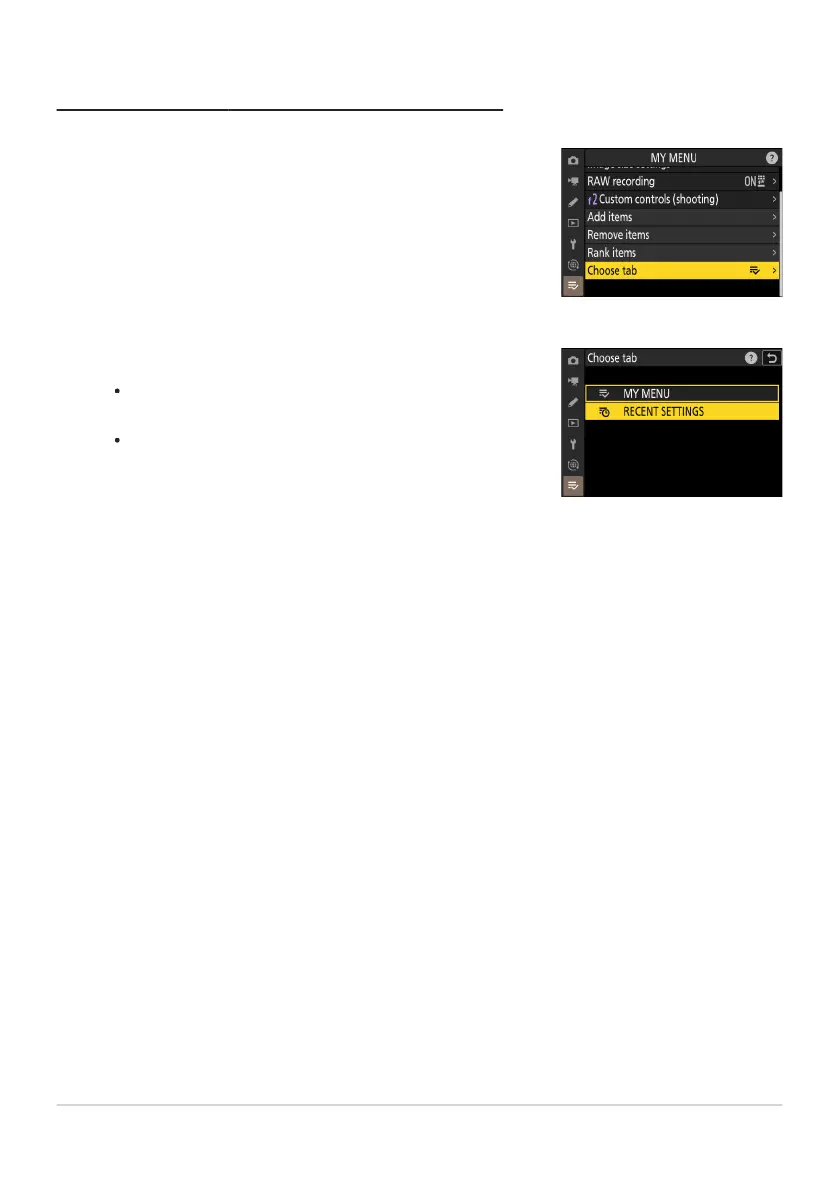
Select [Choose tab] in [OMY MENU].
Highlight [Choose tab] and press
2.
Select [mRECENT SETTINGS].
Highlight [mRECENT SETTINGS] in the [Choose tab] menu
and press J.
The name of the menu will change from [MY MENU] to
[RECENT SETTINGS] and the tab icon will change from O
to m.
Displaying “RECENT SETTINGS”
794
My Menu: Creating a Custom Menu
1
2



 To Next Page