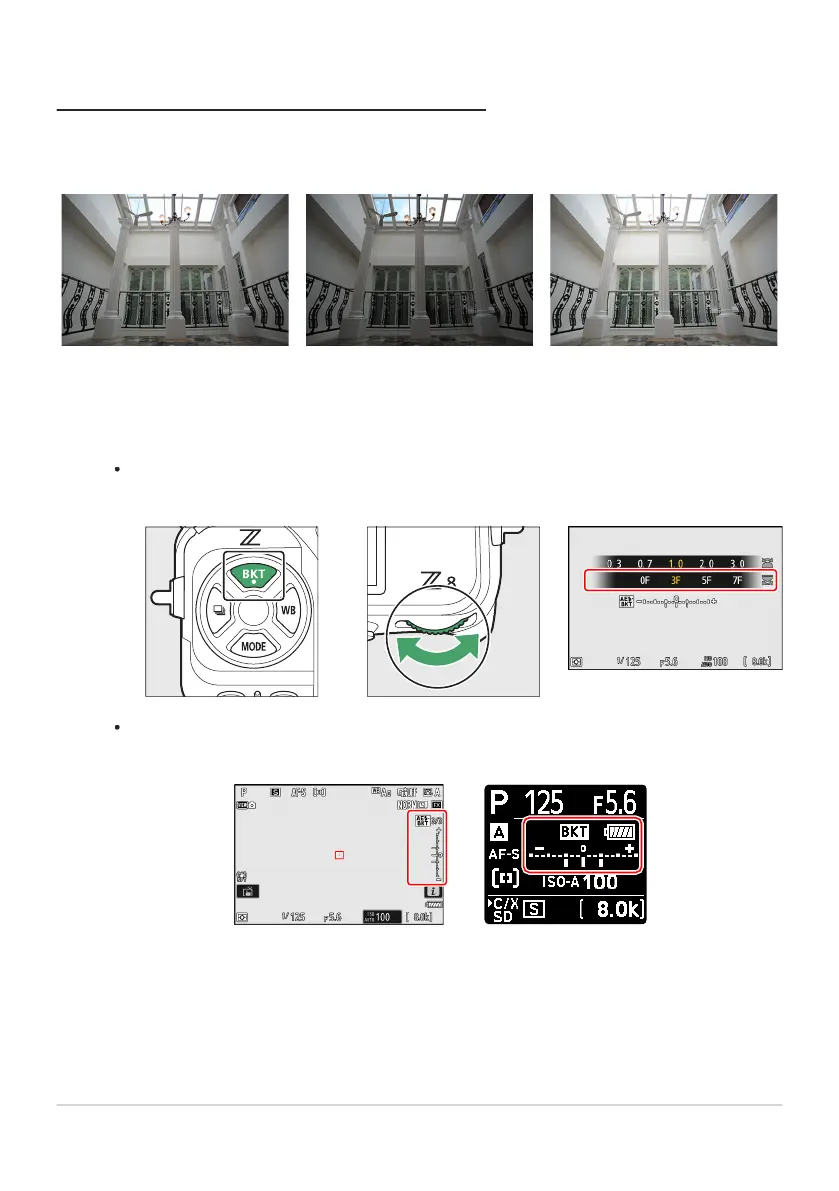
No exposure compensation −1EV +1EV
Exposure and Flash Bracketing
Var
y exposure and/or flash level over a series of photographs. To perform exposure and/or flash
bracketing, follow the steps below.
Choose the number of shots.
Hold the BKT button and rotate the main command dial to choose the number of shots in
the bracketing sequence.
At settings other than [0F], a bracketing icon and indicator will appear in the shooting display
and control panel.
163
Bracketing
1



 To Next Page