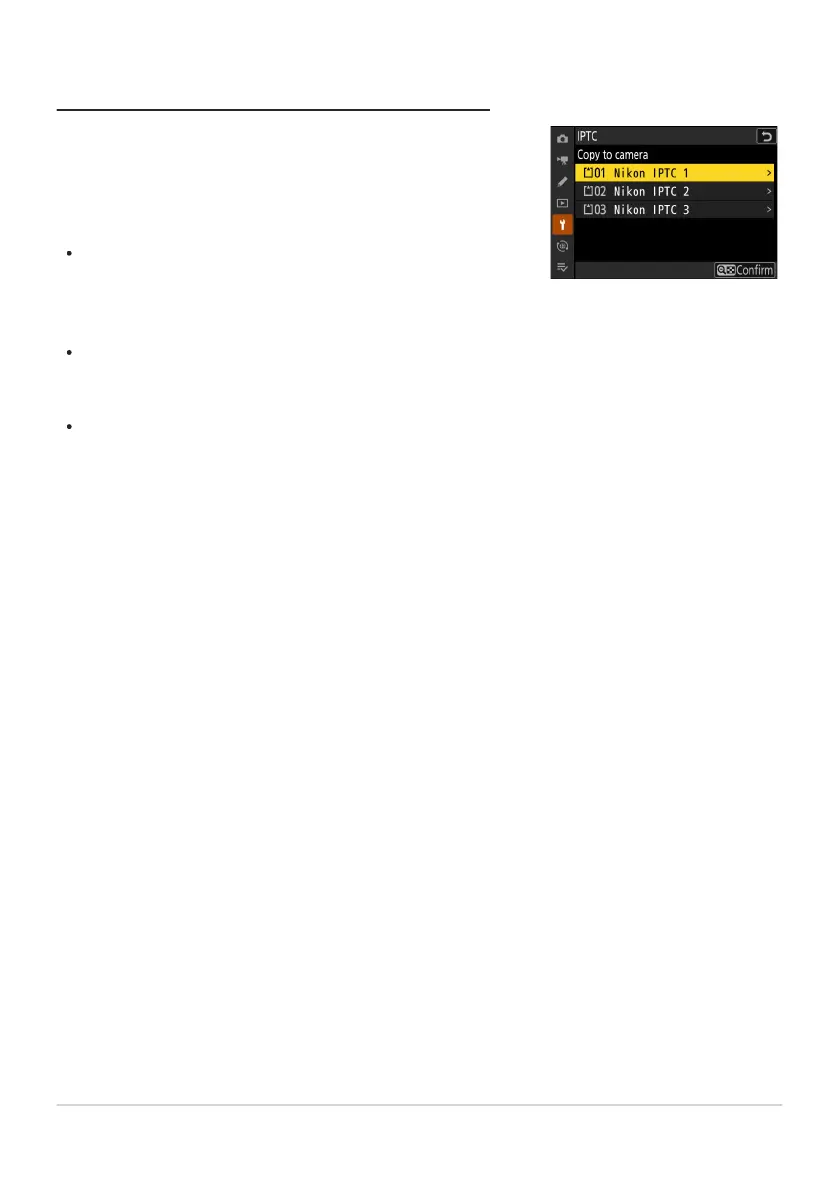
The camera can store up to ten presets; to copy IPTC presets from
a memory car
d to a selected destination on the camera, select
[Load/save]> [CFexpress/XQD card slot] or [SD card slot], then
highlight [Copy to camera] and press 2.
Highlight a preset and press J to proceed to the [Select
destination] list. To preview the highlighted preset, press W (Q)
instead of pressing J. After previewing the preset, press J to
proceed to the [Select destination] list.
Highlight a destination and press J to display a dialog where
you can name the preset. Name the preset as desired and press
X to copy the preset to the camera.
In addition to the ten presets mentioned above, the camera can
store up to three XMP/IPTC presets created on a computer and
saved in XMP format. XMP/IPTC presets are not displayed during
playback. Nor can they be copied from the camera to a memory
card.
Copying Presets to the Camera
737
IPTC



 To Next Page