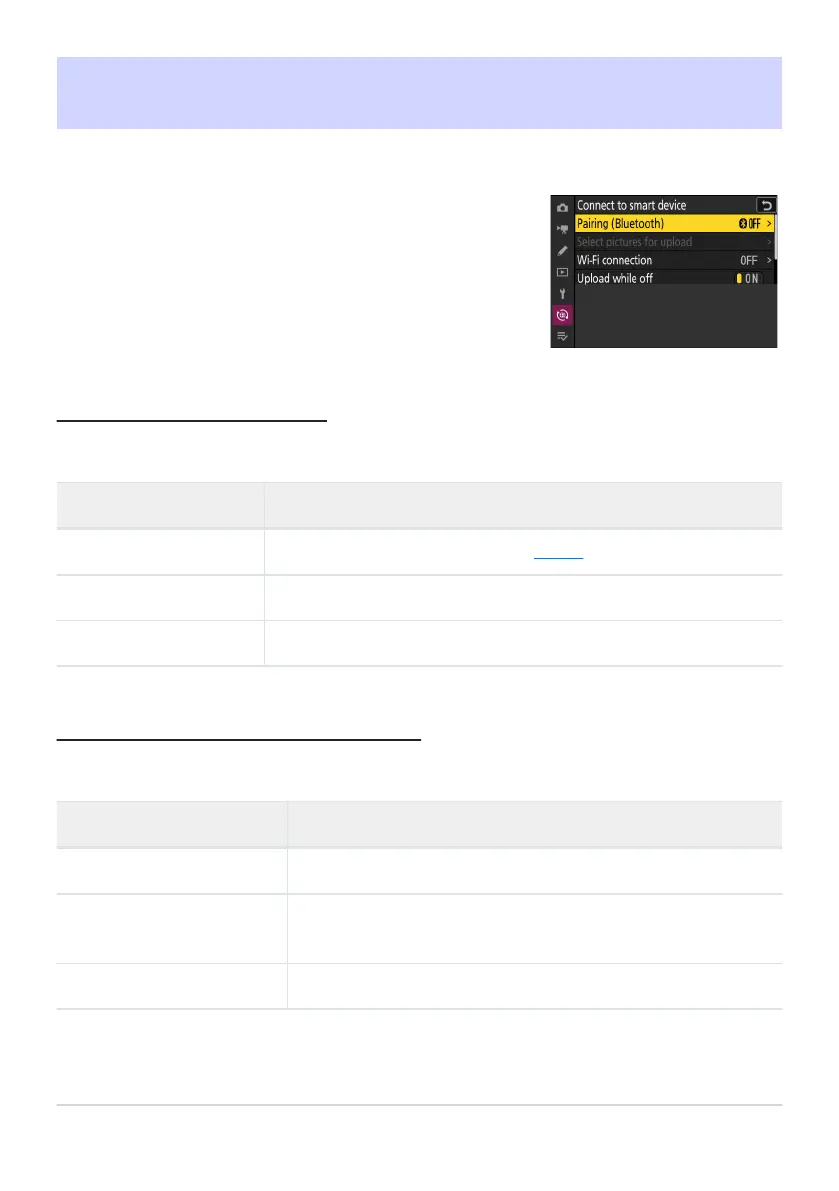
Connect to smartphones or tablets (smart devices) via Bluetooth or
Wi-Fi.
Connect to Smart Device
G button
UF network menu
Pairing (Bluetooth)
Pair with or connect t
o smart devices using Bluetooth.
Option Description
[Start pairing] P
air the camera with a smart device (
0 302).
[Paired devices] List p
aired smart devices. To connect, select a device from the list.
[Bluetooth connection] Select [ON] to enable Bluetooth.
Select Pictures for Upload
Select pictures for uplo
ad to a smart device. You can also opt to upload pictures as they are taken.
Option Description
[Aut
o select for upload] Select [ON] to uplo
ad pictures as they are taken.
[Manually select for upload]
Upload selected pictures. Transfer marking appears on the selected
pictures.
[Deselect all] Cancel upload of all pictures currently selected for transfer.
767
Connect to Smart Device



 To Next Page