Select video mode by rotating the photo/video selector to
1.
Note that optional flash units cannot be used when the camera
is in video mode.
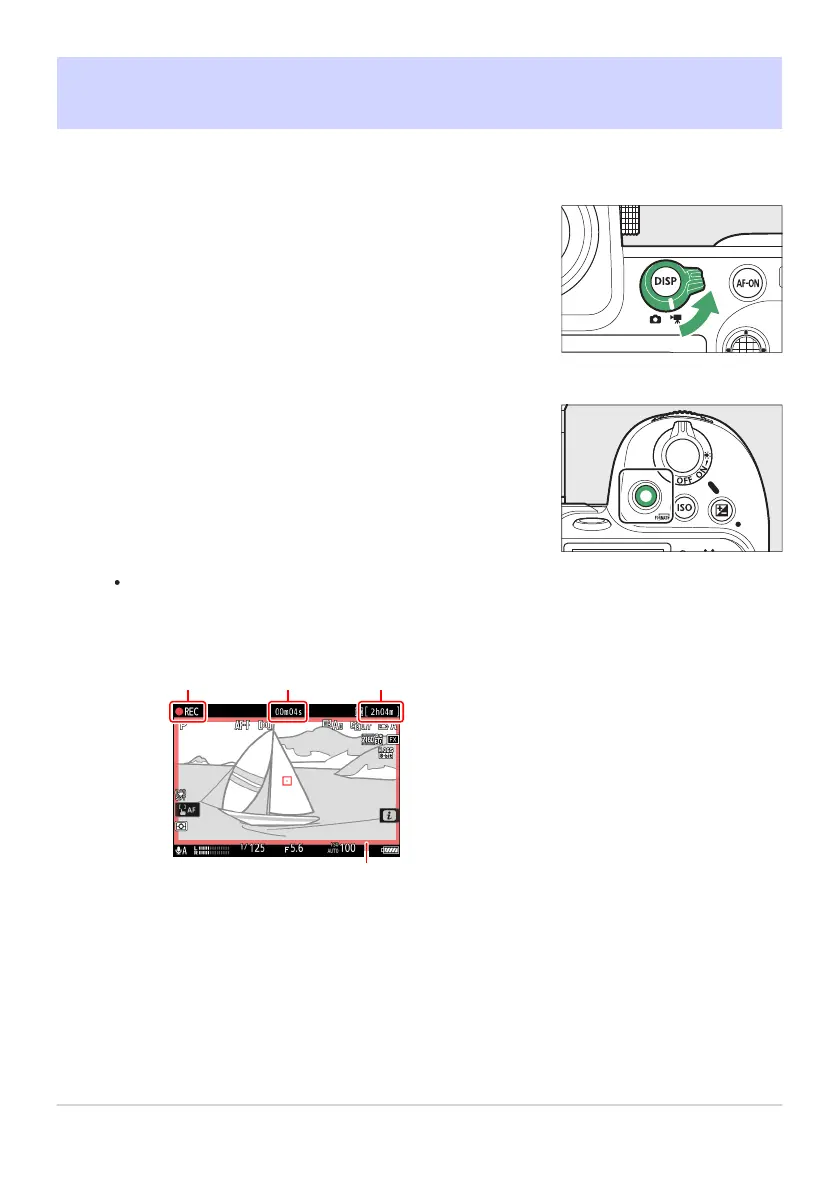
Press the video-record button to start recording.
Recording indicator
Video recor
ding time (length of
footage recorded)
Available recording time
Recording indicator (red border)
1
2
3
4
Recording Videos
The basic st
eps involved in recording videos are described below.
A recording indicator will be displayed and the borders of the shooting display will turn red.
The display also shows the time remaining, or in other words the approximate amount of
new footage that can be recorded to the memory card.
92
Recording Videos
1
2



 To Next Page