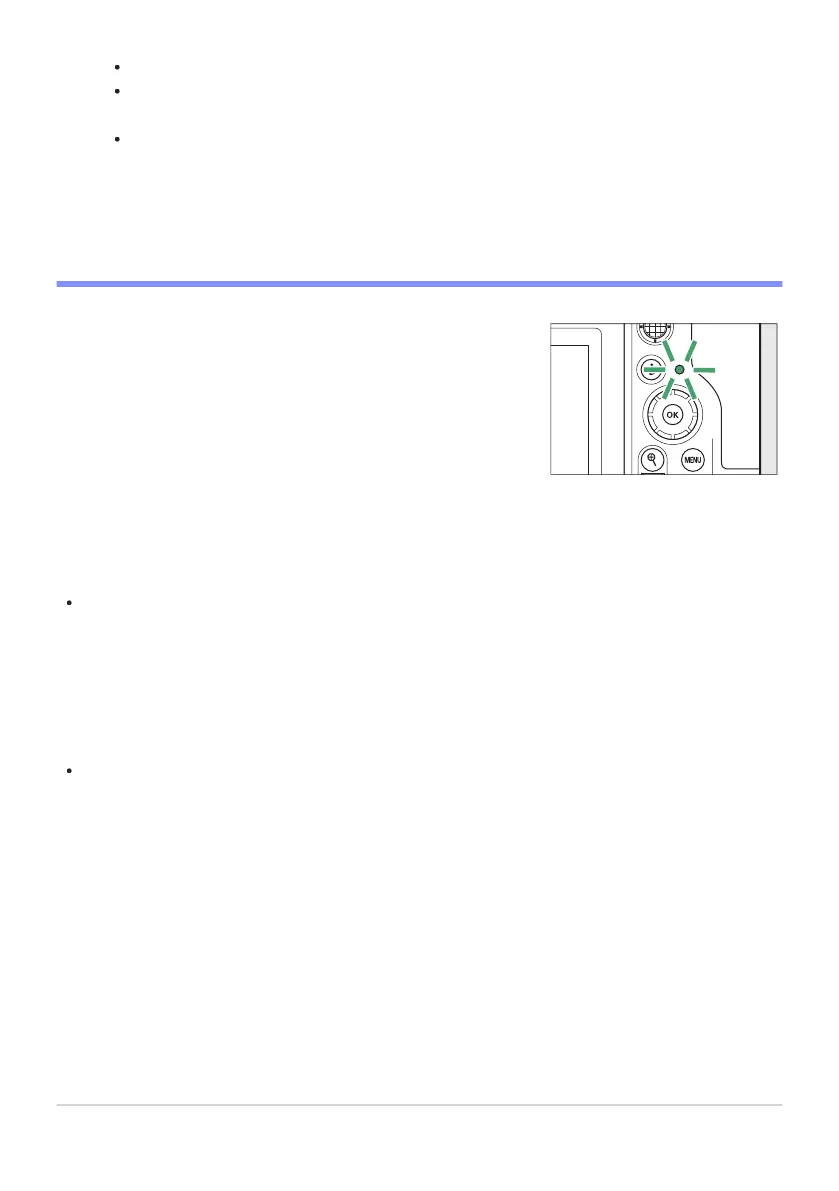
The memory card access lamp will light while the video is being
recor
ded. Do not remove the memory card or battery.
The camera can be refocused during recording by pressing the AF-ON button.
Sound is r
ecorded via the built-in microphone. Do not cover the microphone during
recording.
You can also focus by tapping your subject in the monitor.
Press the video-record button again to end recording.
D The Memory Card Access Lamp
D The 0 Icon
A 0 icon indicates that videos cannot be recorded.
D Cautions: Recording Videos
Video recording will end automatically if:
the maximum length is reached,
the battery is exhausted,
you choose a different shooting mode,
you switch modes using the photo/video selector,
the lens is removed, or
the camera’s internal temperature rises.
Sounds made by the camera may be audible in footage recorded:
during autofocus,
during vibration reduction, or
when power aperture is used.
93
Recording Videos
3
-
-
-
-
-
-
-
-
-



 To Next Page