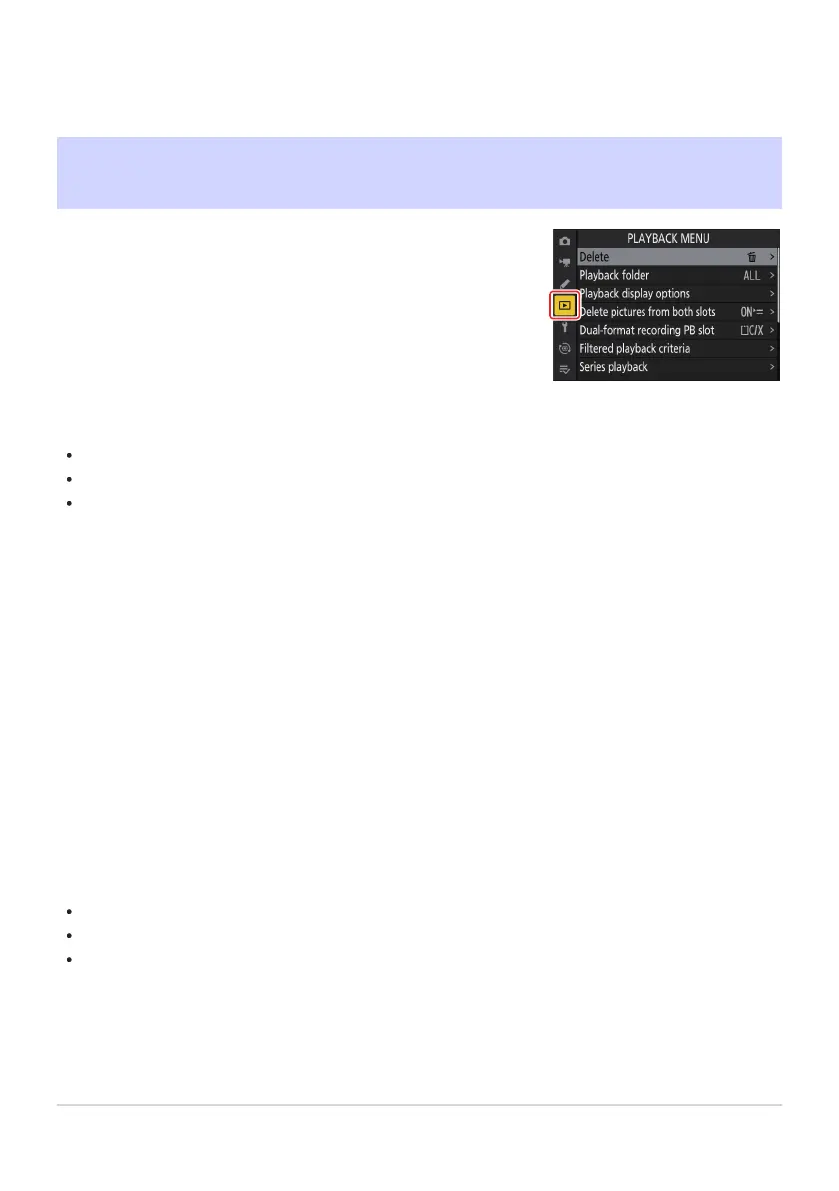
To display the playback menu, select the D (playback menu) tab in
the camera menus.
The Playback Menu
Menu Items and Defaults
The options in the playb
ack menu are listed below, together with their default settings.
[Delete]: —
[Playback folder]: All
[Playback display options]
[Focus point]: U
[Mark first shot in series]: U
[Exposure info]: U
[Highlights]: U
[RGB histogram]: U
[Shooting data]: U
[Overview]: U
[None (picture only)]: M
[File info]: U
[Basic shooting data]: M
[Flash data]: M
[Picture Control/HLG data]: M
[Other shooting data]: M
[Copyright info]: M
[Location data]: M
[IPTC data]: M
[Delete pictures from both slots]: Yes (confirmation required)
[Dual-format recording PB slot]: CFexpress/XQD card slot
[Filtered playback criteria]
[Protect]: U
[Picture type]: U
[Rating]: U
[Select for upload to computer]: U
[Select for upload (FTP)]: U
688
Menu Items and Defaults
-
-
-
-
-
-
-
-
-
-
-
-
-
-
-
-
-
-
-
-
-



 To Next Page