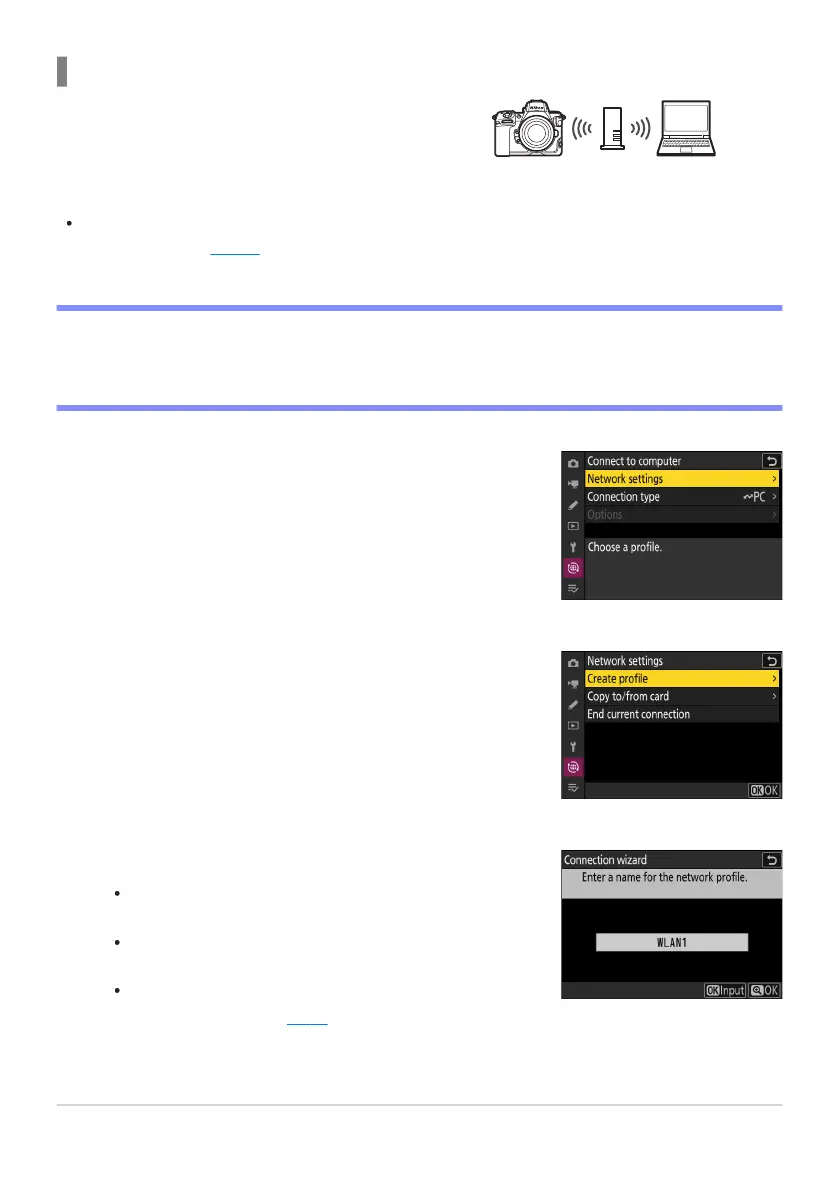
The camera connects to a computer on an existing
network (including home netw
orks) via a wireless
router. The computer can still connect to the
Internet while connected to the camera.
Before proceeding, check that the Wireless
Transmitter Utility (
0 314) is installed on the
computer
.
Select [Connect to computer] in the network menu, then
highlight [Netw
ork settings] and press 2.
Highlight [Create profile] and press J.
Name the new profile.
To pr
oceed to the next step without changing the default
name, press X.
Whatever name you choose will appear in the network
menu [Connect to computer]> [Network settings] list.
To rename the profile, press J. For information on text
entry, see “Text Entry” (
0 67). Press X to proceed after
ent
ering a name.
Connecting in Infrastructure Mode
D Infrastructur
e Mode
Connection to computers beyond the local area network is not supported. You can connect only to
computers on the same network.
320
Computers: Connecting via Wireless LAN
1
2
3



 To Next Page